What a Full SEO Audit Should Contain: Evidence, Fix and Priority for Every Finding
A full SEO audit gives every finding its measured signal, the threshold it failed, evidence from your page and the exact fix, ordered by what breaks first.
A full SEO audit tests your live site and ends in a fix-list you can act on. Every finding names the signal it measured, the threshold your page failed, the evidence copied from your own page and the exact change that clears it, and the findings arrive ordered by what breaks first. A report that gives you a score, a colour or a list of warnings without those four parts is a summary, not an audit. Use the steps below to run one yourself, or to hold a tool or a consultant to that shape before you pay for one.
This guide covers:
the four parts every finding needs, with a template you can copy
the steps of a full audit, in the order you perform them, with the usual failure at each step and how to recover
one finding carried end to end, from signal to verified fix
how to order findings so the ones that break the site get fixed first
which kind of audit fits your situation, and what to ask before trusting any of them
What does every finding in a full SEO audit need?
A finding is one claim about one page: this thing is wrong here, and this is how you know. It is only useful when you can check it without trusting the person who wrote it. Four parts make that possible.
Part
What it states
Newsletter
What launched, every Monday
Every Monday: what launched on LaunchScaler that week, what is launching next, and the reviews we published. Confirm your email once and you're in.
What it looks like when it is missing
Signal
The exact thing measured, on which URL, fetched how (raw HTML, rendered page, HTTP header)
"Indexing issues detected" with no URL or method
Threshold
The rule the signal is judged against, stated so you could apply it yourself
"Could be improved" or a red icon with no rule behind it
Evidence
The literal snippet, header or response from your page that failed the rule
A paraphrase, or a screenshot of the tool's own dashboard
Fix
The specific change, where it goes, and how to confirm it worked
"Optimise your metadata" or "consult a developer"
A fifth field sits on top of the four: priority. Without it, a missing alt attribute and a sitewide noindex look equally urgent, and you spend the first afternoon on the wrong one.
The usual failure of free and cheap reports is not that they check too little. It is that they stop at the signal and the verdict. You learn that something failed, but not which rule it failed, what on your page triggered it, or what to type to make it pass. That gap is where most of the cost of an audit actually lives, because a vague finding sends you back to research every item yourself.
The finding template
Copy this for every finding you write or receive. If a field cannot be filled, the finding is not finished.
Check: a short name for what is being tested
Area: search, AI visibility, backlinks, security, compliance, speed and visual, or does it work
URL: the exact page, including protocol and trailing slash as served
Signal measured: what was read, and how (raw HTML, rendered DOM, response header, external lookup)
Threshold: the rule, in one sentence a developer could test
Evidence: the literal snippet or response, and when it was fetched
Verdict: pass or fail, with the score if the tool gives one
What breaks: one sentence on the consequence for crawlers, answer engines or visitors
Exact fix: the change, the file or setting it lives in, and the value it should hold
Verify by: the test that proves the fix landed on the live site
Priority: the tier from the ordering section below
How do you run a full SEO audit, step by step?
Run these in order. The early steps decide whether the later ones mean anything: there is no point grading headings on a page that crawlers are told not to index.
List the URLs that earn your money. For a product site that is usually the homepage, the pricing page, one feature or docs page, the signup page and any page you most want quoted. Auditing only the homepage is the most common failure, because pricing and docs pages are often built from a different template and carry different mistakes. Recovery: group pages by template and audit one of each.
Fetch each URL and record the final status code and redirect chain. You want a single hop at most from any variant (http, www, trailing slash) to one live HTTPS URL that answers 200. Where this step fails, it is usually a redirect loop between the www and bare domain, or a page that answers 200 to a person and something else to a crawler. Recovery: fetch with a plain HTTP client as well as a browser, and compare.
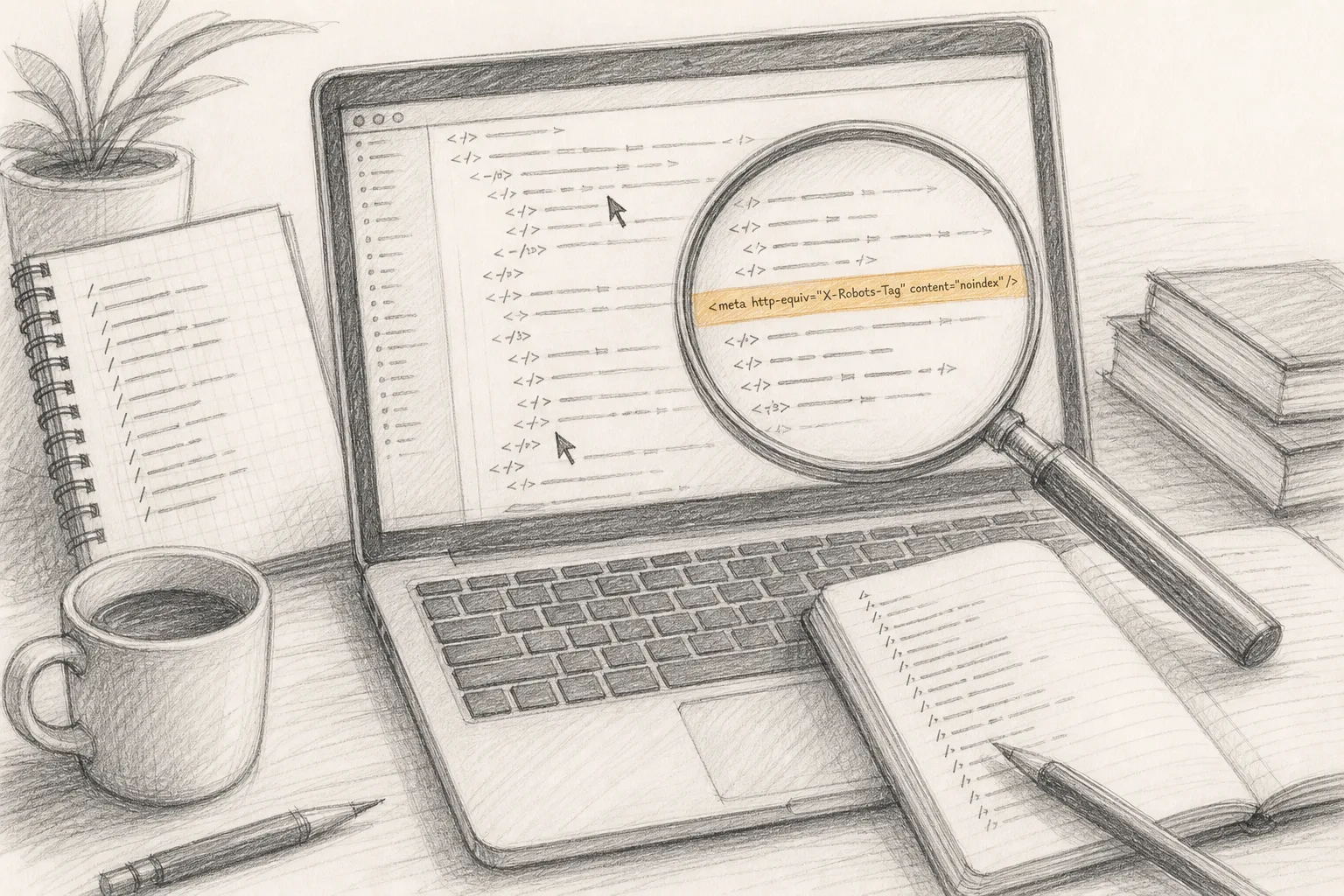
Read robots.txt and every robots directive on the page. That means the file at the root, the meta robots tag and any X-Robots-Tag header. The classic failure is a Disallow: / or a noindex left over from staging after launch. Decide deliberately which AI crawlers you allow; a blanket block copied from a template can keep answer engines from reading pages you want quoted. Recovery: write down, for each crawler you care about, whether it may fetch each page type, then make the file say exactly that.
Check that the canonical tag, the sitemap and the live URL agree. Each page should declare itself, or its true original, as canonical, and the sitemap should list only canonical URLs that answer 200. Mismatches here are quiet: the page looks fine in a browser and still points crawlers somewhere else. The worked example below is this exact failure.
Compare the raw HTML with the rendered page. View the source as served, then the page after scripts run. Anything that appears only after JavaScript (prices, plan names, the main heading, internal links) is content some crawlers and agents may not read. Recovery: move the essential text into the server-rendered HTML, or pre-render the page.
Read the title, the main heading and the meta description of every audited page side by side. Each should be unique and should say what that page is. The failure is a template default repeated across pages, so the pricing page and the docs page share a title. Recovery: fix the template so each page type pulls its own fields.
Validate the structured data against what the page visibly says. Valid JSON-LD that claims a price, a rating or an author the page does not show is a mismatch, not a bonus. Recovery: delete any property you cannot point to on the visible page, then re-validate.
Check that each page answers its question in a passage that stands on its own. This is the AEO (answer engine optimization) part of the audit: answer engines quote passages, so the page needs a short, self-contained statement of what the product is, who it is for and what it costs, in text rather than an image. Recovery: write that passage near the top, in plain HTML, under a heading that names the question.
Read the security and compliance signals. HTTPS on every resource, sensible security headers, a reachable privacy page, a cookie notice that does what it says. Treat these as findings against a stated bar; an audit is not a certificate that a site is secure or compliant. Recovery: fix what is plainly broken (mixed content, an expired certificate, a 404 privacy link) before anything cosmetic.
Measure speed and visual stability on a mobile viewport. Use field data where your site has enough traffic to produce it, and lab data otherwise; say which one each finding came from. The failure is chasing a lab score on a page whose real visitors are fine, while a heavy hero image slows the page people actually land on. Recovery: fix the largest element on the most visited template first.
Walk the flows that make the site work. Sign up, start checkout, submit the contact form, follow the main call to action, on a fresh browser with no saved session. A site that ranks and then fails at signup has a bigger problem than any tag. Recovery: record each broken step as its own finding with the URL and the error you saw.
Look outward: links and answers. List who links to you and whether those pages are indexed, then ask the answer engines your buyers use the questions your buyers ask, and note whether your product appears, is described correctly, or is absent. This is a different measurement from everything above; the guide to the four things AI visibility tools measure separates the kinds in more depth.
Write every failure as a finding in the template. Reject any line that lacks evidence or a fix, including the ones you wrote. If you cannot quote the snippet, you have not confirmed the problem.
Assign each finding a priority tier, fix the top tier, and re-measure the live site. Do not mark a finding closed because the change was merged. Close it when the same check, run the same way, passes on the deployed page.
What does one finding look like, carried end to end?
Take a small product site that launched last month. In a browser everything looks right. Step 4 turns up this on the pricing page.
The finding, as written
Check: canonical points to the live page
Area: search
URL: the production pricing page, path /pricing on the www host
Signal measured: the rel="canonical" link in the raw HTML, fetched without JavaScript
Threshold: the canonical URL must be the page's own live HTTPS URL (or its true original), must answer 200, and must not carry noindex
Evidence: the canonical tag's href holds the /pricing path on the staging subdomain instead of the production host, and that staging address answers with a login wall
Verdict: fail
What breaks: the page tells crawlers that the real version of the pricing page lives on a host they cannot read, so the live page is a candidate to be dropped as a duplicate
Exact fix: in the layout that renders the pricing page, build the canonical from the production base URL, so the href holds the production host followed by /pricing
Verify by: fetch the deployed page with a plain HTTP client, confirm the new tag in the raw HTML, confirm the canonical URL answers 200 with no noindex, then check the sitemap lists the same URL
Priority: tier 2, "cannot be indexed"
Why each part matters here
Without the evidence line, a developer reading "canonical issue on /pricing" would open the page in a browser, see nothing wrong, and close the ticket. The quoted tag shows the staging host in one line. Without the threshold, the same developer might "fix" it by deleting the tag, which removes the symptom and leaves the page with no stated canonical at all. Without the verify step, the fix might land in the codebase and never reach production, because the base URL is read from an environment variable that the production build does not set.
That last case is common enough to plan for. When a canonical or a sitemap points at staging, the cause is rarely the page; it is the configuration that builds every page. So the real fix is one line in the environment, and the finding should say so. Check the other templates from step 1 for the same host before you close it, since the same variable feeds all of them.
What the finding is not
It is not a ranking prediction. Nothing in it says the page will rank, or rank higher, once fixed. It says the page was telling crawlers to look elsewhere, and now it is not. That is the honest scope of any audit finding: it removes a measured obstacle. What happens after depends on everything the audit does not control, such as competition, content and links.
In what order should findings be fixed?
Order findings by what breaks first, not by how many there are or how easy each is. A problem higher in this table makes every problem below it irrelevant until it is fixed.
Tier
What breaks
Typical findings
Why it comes first
1. Cannot be reached
Visitors and crawlers get an error or a wall
Server errors, redirect loops, expired certificate, broken signup
Nothing else is read if the page does not load
2. Cannot be indexed
Crawlers are told to skip or look elsewhere
noindex, robots disallow, canonical to another host, sitemap of dead URLs
A perfect page that is excluded never appears
3. Cannot be read
Crawlers and agents load the page but miss its content
Prices or headings only after JavaScript, text in images
The page is indexed but says little
4. Cannot be trusted
Signals that make a page look unsafe or misleading
Mixed content, structured data that contradicts the page, missing privacy page
Trust problems undercut everything the page claims
5. Cannot be quoted
The page is read but has no passage to lift
No self-contained answer, vague headings, no machine-readable structure
Answer engines quote passages, not impressions
6. Slow or unstable
Real visitors wait or lose their place
Heavy hero media, layout shift on load
Matters for people; rarely the reason a page is absent
7. Not referenced
Few other pages point to or mention you
Thin link profile, absent from answers to buyer questions
Outside work; it pays off more once tiers 1 to 5 are clean
Two rules keep the ordering honest. First, within a tier, fix the finding that affects the most pages, which usually means the shared template. Second, do not let an easy tier 6 fix jump ahead of an awkward tier 2 one. The easy fixes are tempting because they make a dashboard move, but the site's real problem is the one higher up.
Which kind of audit fits your site?
There are several ways to get a full audit done. They differ in what they are for and who does the work. The condition that decides between them is usually this: do you want to own the fix-list yourself, or hand the whole job to someone?
Option
What it is for
Who it suits
What to check before you rely on it
Free online checker
A quick pass over one URL
Anyone wanting a first look
Whether it shows evidence and fixes, or only verdicts
Desktop crawler you run
Crawling many pages to find patterns
Sites with many templates and someone technical to read the output
Whether it renders JavaScript, and whether you can turn its rows into findings with fixes
All-in-one SEO suite
Ongoing tracking alongside keyword and link research
Teams already doing SEO every week
Which checks sit in which plan, and whether the audit covers answer engines at all
Agency or consultant
Someone else diagnoses, and often fixes
Owners with budget and no time
Whether every finding meets the four-part standard, and who verifies the fix on the live site
One pass over SEO & AEO readiness on the live site, from a URL, with no account
Makers and small teams who own the site and have no SEO team
The free scan runs 156 checks across 6 of 7 categories and shows the evidence behind each verdict; the full audit opens the exact fix for each check and adds 40 more checks
If your site has hundreds of templated pages, a crawler or suite earns its place, because the patterns only show at scale. If your site is a product with a handful of pages that carry the business, depth per page matters more than breadth, and the steps above cover most of what can go wrong. If you will not touch the code yourself, a consultant makes sense, but hold them to the questions in the next section. The guide to what a free SEO scanner can tell you and where it stops covers the free end of this table in more detail.
One more distinction: some audits only cover search, and some also cover answer engines. If your buyers ask ChatGPT, Perplexity or Google AI Overviews which tool to use, an audit that never looks at extractable passages, AI crawler access or answer share is answering half the question.
How do you hold a consultant or a tool to this standard?
Ask these before you buy, and again when the report arrives. Each one maps to a part of the template.
Show me one finding in full. Ask for a sample with signal, threshold, evidence and fix. If the sample is a dashboard screenshot, that is what the report will be.
What did you fetch, and how? Raw HTML, rendered page, or both. A report that only reads one cannot catch step 5.
What is the rule behind each verdict? A threshold stated in a sentence lets you check it. "Best practice" without a rule does not.
Is the evidence from my page or from a template? Generic advice pasted under your URL is the most common padding in long reports.
How are findings ordered? By what breaks first, or by count. A report of hundreds of items sorted by category hides the three that matter.
Who verifies the fix on the live site? If nobody re-measures, nobody knows the fix shipped.
What does it not cover? An honest audit says where it stops: speed without field data, links without indexing status, answer engines not tested.
What is promised? An audit can promise findings and fixes. A promise of rankings, traffic or citations is not something any audit controls, and a seller who makes one is selling something other than an audit.
If a report fails three or more of these, treat it as a starting list and run the steps above against its findings before acting on any of them.
Re-measure, because sites drift
An audit is a snapshot. A redesign, a new template, a changed environment variable or a cookie banner added in a hurry can undo a clean result in one deploy. Re-run the same checks, the same way, after any big release, and compare finding by finding rather than by an overall number. A score that holds steady can hide one tier 2 failure that replaced one tier 6 pass.
Keep the findings file from your first audit. It becomes the regression list: every check that once failed is the first one to re-test after a change, because the cause (a shared template, a build setting) is often still there.
What to do next
Take your homepage and your pricing page, run steps 2 to 5 on both today, and write whatever fails in the template above. Those four steps catch the tier 1 and tier 2 problems, the ones that make everything else irrelevant, and they take no tool beyond a browser and a plain HTTP fetch.
If you would rather have every check written out for you, run the free readiness scan and read the evidence behind each verdict first. When you need the fix-list behind those verdicts, the full audit is $19 one time, stays unlocked for that domain, opens every check to its exact fix and adds the deeper rendered-UX, AI-visibility and backlink findings plus 10 questions put to 7 answer engines. Unlock it from your report.
Questions people also ask
What is an SEO audit?
An SEO audit is an inspection of your live site for whatever stops search engines and answer engines from finding, reading, trusting and quoting it. The pillar guide, What Is an SEO Audit? What It Checks, and What a Readiness Scan Adds, walks through the seven areas an audit covers. This piece covers what a full one has to deliver.
How much does an SEO audit cost?
It depends on who does the work and how it is billed. Free online checkers cost nothing and usually stop at verdicts. Consultants and agencies tend to price an audit per project, quoted from the size of the site and whether fixing is included, or fold it into a monthly retainer that bundles the audit with ongoing work. SEO suites usually sell the audit as part of a subscription, where the plan tier decides how many pages are crawled and which checks are included. Some tools sell a one-time report per site. Whichever model you meet, ask what one finding looks like before you pay: a cheaper report with evidence and a fix for every finding is worth more than a costlier one without them.
Can ChatGPT do an SEO audit?
A chat assistant can explain a finding, read HTML you paste in and draft a fix, which is useful at steps 13 and 14. Unless it actually fetches your live pages, though, it is reasoning about what you told it, not measuring what crawlers see. Treat its output as a hypothesis, and confirm each point with the evidence step before you change anything. Asking answer engines your buyers' questions (step 12) is a separate job: it measures whether you appear, not what is wrong with your pages.
How long does an SEO audit take?
The measurement is the short part; on a product site with a handful of templates, a tool reads the pages while you wait, and the manual steps 2 to 5 fit in an afternoon. The long part is fixing and re-measuring, which depends on how many findings sit in tiers 1 to 3 and whether they share one cause. A single build setting can clear several findings at once; a JavaScript-only pricing page can take a sprint.
Catch SEO regressions after a deploy: baseline production, then re-check robots.txt, noindex, canonicals, redirects, raw HTML and certificates on every release.
A full website audit checks seven areas, not just SEO: search, AI visibility, backlinks, security, compliance, speed and visual, and whether your site works.
The free SEO tools that read your live site: Search Console, Bing Webmaster Tools, PageSpeed Insights, Rich Results Test, a crawler and a readiness scan, in order.