Free SEO Optimization Tools That Read Your Live Site (And What Each One Leaves Out)
The free SEO tools that read your live site: Search Console, Bing Webmaster Tools, PageSpeed Insights, Rich Results Test, a crawler and a readiness scan, in order.
You can check and improve a new site's search readiness without paying for anything, if you use six free tools in the right order. Google Search Console and Bing Webmaster Tools show how each search engine treats your verified domain. PageSpeed Insights and the Rich Results Test examine one page at a time. A desktop crawler's free tier walks your internal links, and a readiness scan such as LaunchScaler's reads the whole live site from nothing but its address. The things none of them give you are competitor data and reliable keyword volumes, and a site with no traffic yet rarely needs either on day one.
This guide covers:
what each free tool reads, what it cannot see, and whether it needs an account
the order to run them in, step by step, with the failure each step usually hits
one worked example carried from first scan to fix list
a checklist template you can copy into your own notes
where free tools genuinely stop, so you know what you would be paying for
It assumes your site is live on its real domain, that you can edit its DNS records, and that you can deploy changes yourself. If the site is still on a staging address behind a password, finish the deploy first; most of these tools cannot read a page a stranger cannot open.
What does each free SEO tool actually read?
They differ in where they get their data. Some read your live pages as a visitor would. Others report what a search engine has already recorded about your site, which means they need you to prove you own it and they need time before they show anything. That one difference decides the order you use them in.
Newsletter
What launched, every Monday
Every Monday: what launched on LaunchScaler that week, what is launching next, and the reviews we published. Confirm your email once and you're in.
Tool
What it reads
What it cannot see
Account needed
Readiness scan (LaunchScaler)
The live site from its URL: search, AI visibility, backlinks, security, compliance, speed and visual, and whether its flows work
How Google or Bing has actually indexed and ranked you; your real search queries
No, a URL is the only input
Google Search Console
Google's own record of your verified site: indexing status, the queries you appeared for, clicks, crawl problems
Anything about other search engines or answer engines; sites you do not own
Yes, a Google account plus domain verification
Bing Webmaster Tools
Bing's record of your verified site: indexing, crawl issues, search performance in Bing
Google's view of you
Yes, plus verification (it can import a verified Search Console site)
PageSpeed Insights
One URL at a time: lab performance measurements and, where Google has enough visits, real-user field data
The rest of your site; field data for pages with little traffic
No
Rich Results Test
The structured data on one URL and whether Google can use it for rich results
Whether a rich result will actually appear; markup on pages you did not test
No
Desktop crawler, free tier
Your internal links followed page by page: status codes, redirects, titles, descriptions, canonicals
Pages beyond the free tier's cap; often content that only appears after JavaScript runs, unless rendering is turned on
Usually a download, no account for the free tier
Two things in that table matter more than the rest. First, the tools that need verification only report what a search engine has already done. A site launched last week has little in Search Console yet, because Google has barely crawled or shown it. Second, the tools that need no account read the page as it is right now. That makes them the right place to start, because they give you something to fix before the search engines have formed a view.
For the full picture of what a complete audit should inspect beyond this list, the guide on what an SEO audit checks and what a readiness scan adds covers the seven areas in depth. This piece stays on the free tools and their order.
Which free tool should you start with?
The condition that decides it is whether search engines have had time to see your site.
Your site is new or about to launch. Start with the tools that read the live page: the readiness scan, then PageSpeed Insights and the Rich Results Test. Verify Search Console and Bing on the same day, but do not expect their reports to say much for a while.
Your site has been live for months and gets some visits. Start with Search Console. It already holds your real queries and indexing problems, and those outrank any lab check because they describe what actually happened.
You changed something big (a redesign, a new framework, a migration). Start with the readiness scan and the crawler. A migration breaks things a search engine reports only after it has recrawled, which can be too late to catch the damage early.
Most founders reading this are in the first group, so the steps below follow that order. If you are in the second, do steps 2 to 4 first and come back to step 1.
How to check your live site with free SEO tools, in order
Step 1: Run a readiness scan on your production URL
Paste your real, public homepage address into a free readiness scan. LaunchScaler's runs 156 checks across 6 of 7 categories with no account and no card, grouped into search, AI visibility, backlinks, security, compliance, speed and visual, and does it work. Each check is scored out of 100 and shows the evidence behind its verdict, so you see what failed and where, not only that something did.
This step comes first for a practical reason: it is the only tool on the list that looks at search readiness and answer-engine readiness in one pass, before any search engine has an opinion. The scan measures the live site itself rather than a form you fill in about it, so it sees what any visitor or crawler would meet. Agentic Browsing (whether a browsing agent can use your pages) is read as a factor rather than a pass or fail check.
Where it fails: the scan reads what you give it. If you paste a staging address, a URL behind a login, or one that redirects through several hops, the results describe that, not your real site. Use the exact address a visitor types, with the protocol and the www or bare form your site actually settles on.
If you want to know how to read a free scanner's evidence and where free checks stop, the piece on what a free SEO scanner can tell you goes through it check by check.
Step 2: Verify your domain in Google Search Console
Add your site as a Domain property and verify it with the DNS TXT record Search Console gives you. A Domain property covers every subdomain and both protocols at once, which saves you from reading four separate properties later.
Where it fails: DNS changes take time to propagate, and verification fails if you check too soon. Wait, then retry rather than switching methods. If your DNS provider will not let you add a TXT record, use a URL-prefix property with the HTML tag or file method instead, and remember it only covers that exact prefix.
Step 3: Submit your sitemap and inspect your key URLs
In Search Console, submit your sitemap address. Then use URL Inspection on your homepage, your pricing page and your most important feature page. Inspection tells you whether Google can index that URL and what it found, and it lets you request indexing for a page you just published.
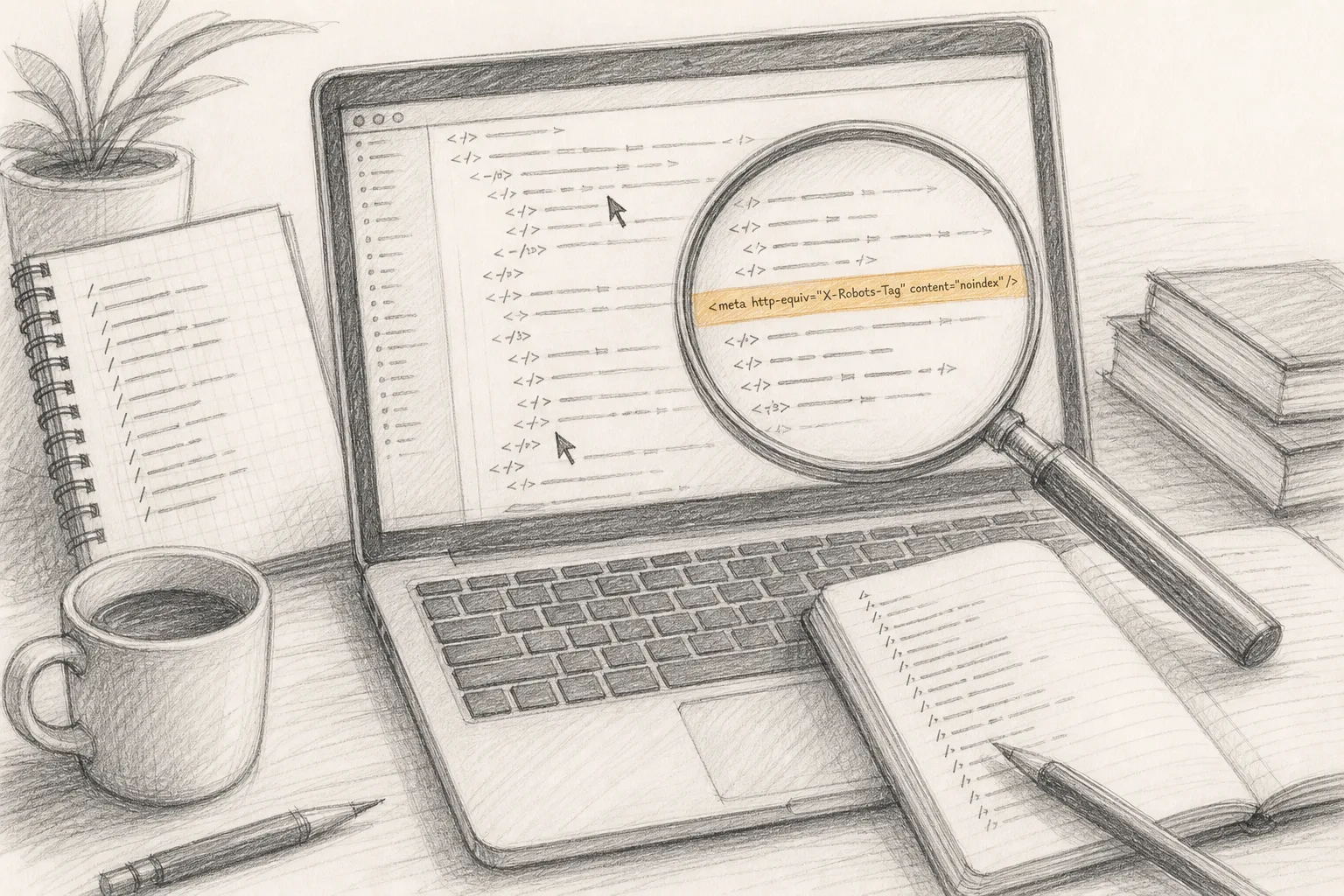
Where it fails: the sitemap is often missing, out of date, or lists URLs that redirect or return errors. If Search Console reports problems reading it, open the sitemap in your browser and check it lists only final, live URLs. If an inspected page shows as excluded, read the stated reason before you change anything; a noindex tag left over from development is a common cause on new sites.
Step 4: Add the site to Bing Webmaster Tools
Sign in and import your verified site from Search Console, or verify it separately. Submit the same sitemap. Bing keeps its own index, so a page Google indexes can still be missing from Bing, and only Bing's own tool tells you.
Where it fails: the import depends on the Search Console verification from step 2. If that has not completed, verify Bing on its own with its DNS or file method instead of waiting.
Step 5: Test your main templates in PageSpeed Insights
Run your homepage, one content page and one product or pricing page. Test the mobile result first. As CodeWeb puts it, "Did you know that Google's search engine algorithms are designed to reward sites that are mobile-friendly and penalize those that are not?" Whatever weight you give that, mobile is where slow scripts and oversized images show up worst.
Test templates, not every page. A slow blog post and every other blog post usually share the same layout and the same cause.
Where it fails: a new site often shows no field data, because real-user data needs enough visits to report. That is not a fault. Read the lab section instead and fix what it lists. Results also vary between runs; run a page twice before treating a small change as real.
Step 6: Validate structured data in the Rich Results Test
Paste the URL of any page that carries structured data: your product page, your FAQ, your articles. The test shows which types it detected, whether they are valid, and which errors or warnings stop Google from using them.
Where it fails: valid markup is eligibility, not a promise. A page can pass and still never show a rich result. The other common failure is markup that describes something not visible on the page (a rating that does not appear, a price that differs from the one shown). Make the markup match the page a visitor reads.
Step 7: Crawl the site with a desktop crawler's free tier
Point the crawler at your homepage and let it follow internal links. Sort the results by status code first: pages returning errors, then redirects, then pages missing titles or descriptions, then duplicate titles. On a small product site this is usually a short list.
Where it fails: the free tier caps how many URLs it crawls (check the current limit on the tool's own site), and a large blog can exceed it. Crawl the sections that earn money first. If your site renders its content with JavaScript, turn on rendering if the tool offers it; otherwise the crawler may see an empty shell and report problems that a browser never shows.
Step 8: Check how answer engines can read your pages
The free scan's AI visibility area already reports whether your pages can be read and quoted. Two things you can confirm by hand: open your robots.txt and check you are not blocking crawlers you want, and read your key pages for a passage that answers the question a buyer asks, near the top, in plain sentences. SEO25 notes that question-led pages work when "a complete answer to the user's question is given in your text and page". The same structure is what an answer engine can lift.
You can also type your buyer's questions into the answer engines yourself and note whether your product appears. It is slow and unrepeatable, but it is free. For what dedicated tools count instead, see the four things AI visibility tools measure.
Where it fails: a blanket Disallow copied from a template, or a security plugin that blocks unfamiliar user agents. Check the file your server actually returns, not the one in your repository.
Step 9: Build one fix list and work it in order
Merge what the six tools found into one list, ordered by what blocks the most: pages that cannot be indexed, then broken links and redirects, then speed on mobile, then structured data errors, then titles and descriptions. Fix in that order and deploy.
Where it fails: fixing the easy items first. A missing meta description is quick; a homepage blocked by noindex is the one that matters. Keep the blocking items at the top even when they take longer.
Step 10: Re-run and confirm
After the deploy, re-run the readiness scan on the same URL and compare check by check. In Search Console, use the validate option on any issue you fixed so Google rechecks it. Re-test the PageSpeed pages you changed. A readiness result is a snapshot and sites drift, so re-scan after every redesign or large deploy, not only once at launch.
Where it fails: caching. If your fix does not show, clear the CDN cache and re-test before assuming the change did not work.
A worked example: one founder, one new site
Take a solo founder shipping a small developer tool on a fresh domain, with a homepage, a pricing page, a docs section and a short blog. No SEO team, no budget for a suite. Here is the order from above, carried through.
Step 1, the scan. The founder pastes the production homepage into the readiness scan. The report shows failures in three areas. Under search, the docs pages carry a canonical tag pointing to the staging domain, left over from the build. Under AI visibility, the homepage opens on a tagline and an animation, with no passage that says what the tool does in plain words. Under speed and visual, a hero video loads before anything else on mobile.
Steps 2 to 4, verification. The founder adds the DNS record for Search Console the same day, then imports the property into Bing. Both reports are nearly empty. That is expected for a domain this new, and it is why the scan came first.
Step 3, inspection. URL Inspection on a docs page reports that Google chose a different canonical than the page itself. It is the same staging-domain problem the scan found, confirmed now from Google's side.
Step 5, PageSpeed. The mobile test on the homepage shows no field data (too few visits) and lab results that point to the hero video. The founder replaces it with a static image and a play button.
Step 6, structured data. The pricing page carries product markup with a price that no longer matches the page. The Rich Results Test passes it as valid, which is the trap: valid, but wrong. The founder corrects the markup to the visible price.
Step 7, the crawl. The crawler finds a handful of docs links pointing to old paths that now redirect twice. The founder updates the links to the final URLs.
Step 8, answer engines. The robots.txt is fine. The founder rewrites the first paragraph of the homepage into two sentences that say what the tool does and who it is for, which is the passage the scan reported as missing.
Steps 9 and 10. The fix list, in order: canonicals, the homepage passage, the hero video, the pricing markup, the redirects. One deploy, then a re-scan of the same URL. The canonical and speed checks move; the founder validates the canonical issue in Search Console and waits for Google to recrawl.
Nothing in that sequence cost money. What it took was the order: the live-page tools found the problems before the search engines had recorded them, and the verified tools confirmed them later.
What do free SEO tools leave out?
Being honest about the gaps saves you from buying the wrong thing later.
Competitor data. Search Console and Bing only show your own verified site. Seeing which pages rank for a competitor, or which sites link to them, is what paid suites sell. For a brand-new product, your own fixes usually matter first.
Keyword volumes for a new site. Search Console shows real queries only after you start appearing for them. Before that, any volume figure is an estimate. Searches also vary by place: SEO25 observes that "the way of searching from one nation to another is different", so a single global number can mislead you about your own market.
Field performance on low-traffic pages. PageSpeed's real-user data needs visits. Until you have them, you are working from lab data.
Repeatable answer-engine measurement. Asking answer engines by hand tells you something about today, in your own session. It does not give you a measured share you can compare next month.
Scale. Free crawler tiers cap URLs, and single-URL testers do one page at a time. A small product site fits inside those limits; a large content site does not.
Judgement. None of the tools tells you which of your fixes is worth doing first for your business. The ordering in step 9 is yours to make.
There is also a limit specific to the readiness scan: the free version covers 6 of the 7 categories, so one area is outside it. LaunchScaler's pricing page lists what is paid, if you want to see what sits beyond the free checks. None of it changes how your site is measured; every site is held to the same bar.
What do the usual free tool lists get wrong?
Most roundups list thirty or more free tools as if each were a separate thing you should try. For a founder with one site and no team, that is the problem, not the answer. Three mistakes recur.
They mix tools that read your site with tools that read everyone else's. Keyword ideas, competitor backlinks and rank trackers are research tools. They help you choose what to write. They do not tell you whether your own site can be crawled, rendered and quoted, which is the question to answer first.
They skip the order. A list implies the tools are interchangeable. They are not. A verified tool on a new domain shows almost nothing, so starting there makes a founder think the site is fine when it has not been looked at yet.
They treat a passing test as a result. A valid Rich Results Test, a green PageSpeed score or a clean crawl means a barrier is gone. None of them means the page will rank, get a rich result, or be cited. The tools remove obstacles; they do not deliver outcomes, and no free or paid tool honestly promises one.
Template: a free SEO tool checklist
Copy this into your notes and fill it in as you work. One line per tool, with the date you ran it.
Before you start
Production URL, exactly as visitors reach it:
www or bare domain, and does the other redirect to it?
Sitemap address:
Can you edit DNS records? (yes / no)
Live-page checks (no account)
Readiness scan run on the production URL: date, areas with failures
PageSpeed Insights, mobile, homepage: main lab findings
PageSpeed Insights, mobile, one content page: main lab findings
PageSpeed Insights, mobile, pricing or product page: main lab findings
Rich Results Test on each page with markup: valid / errors / markup matches visible page?
robots.txt read as served: any crawler you want blocked by mistake?
Homepage first paragraph: does it say what the product does and who it is for?
Verified checks (account needed)
Search Console Domain property verified: date
Sitemap submitted and read without errors
URL Inspection on homepage, pricing, top feature page: indexable? chosen canonical?
Bing Webmaster Tools imported or verified: date
Bing sitemap submitted
Crawl
Crawler run, rendering on or off:
Error pages found:
Redirect chains found:
Missing or duplicate titles:
Fix list, in order
Blocks indexing:
Broken links and redirects:
Mobile speed:
Structured data errors:
Titles and descriptions:
Re-scan date and checks that moved:
How often should you re-run free SEO tools?
Tie it to change, not to the calendar. Re-run the readiness scan and the crawler after any redesign, framework change, migration or large deploy, because those are when canonicals, redirects and rendering break. Check Search Console whenever you publish something important and once you have steady traffic, regularly enough to catch new indexing issues before they spread. PageSpeed and the Rich Results Test only need a re-run on the templates you changed.
If you publish content regularly, Search Console becomes the tool you open most, because it starts to hold the real questions people find you for. The piece on content marketing and SEO for a one-product company shows how to turn those queries into articles.
Your next step
Do step 1 today, on your real production URL, and write down every area that fails before you touch Search Console. Then verify your domain while the DNS change propagates, and work through steps 5 to 7 in the meantime. By the end of the day you have one ordered fix list built entirely from free tools, and a baseline to re-scan against after your next deploy. LaunchScaler's scan needs only your address, no account and no card, and it runs the 156 checks across search, AI visibility, backlinks, security, compliance, speed and visual, and whether your site works, which makes it the quickest baseline to start from. More about the platform is on the LaunchScaler home page.
Yes. Google Search Console, Bing Webmaster Tools, PageSpeed Insights and the Rich Results Test cost nothing, and a readiness scan from a URL with no account is free too. Desktop crawlers usually offer a free tier with a URL cap. Together they cover the checks a new site needs; what they leave out is mainly competitor research.
Is Google Search Console enough on its own?
Not for a new site. It reports what Google has already recorded, so a young domain shows little at first, and it says nothing about Bing or answer engines. Pair it with the tools that read your live page now.
Can I do SEO myself for free?
The technical part, yes: find what blocks crawling, indexing, speed and structured data, fix it, and confirm. The ten steps above are that process. Choosing topics and writing pages that answer buyers' questions is also free; it costs time instead of money.
Do free SEO tools check AI search and answer engines?
Most classic free tools do not. You can check robots.txt and your page structure by hand and ask the answer engines yourself. A readiness scan reports AI visibility alongside search in one pass, because the two share foundations: crawlable, fast, clean pages with extractable passages.
Do free tools improve my rankings?
No tool improves rankings by itself. Free tools show you what stops search and answer engines from reaching and reading your pages. Fixing those problems removes barriers; it does not guarantee where you appear.
Catch SEO regressions after a deploy: baseline production, then re-check robots.txt, noindex, canonicals, redirects, raw HTML and certificates on every release.
A full website audit checks seven areas, not just SEO: search, AI visibility, backlinks, security, compliance, speed and visual, and whether your site works.
A full SEO audit gives every finding its measured signal, the threshold it failed, evidence from your page and the exact fix, ordered by what breaks first.