Blog
AI Visibility Tools: The Four Things They Measure, and Which Kind You Need
AI visibility tools measure four different things: answer share, brand mentions, crawler readability and one-off audits. Learn what each number counts and who it suits.
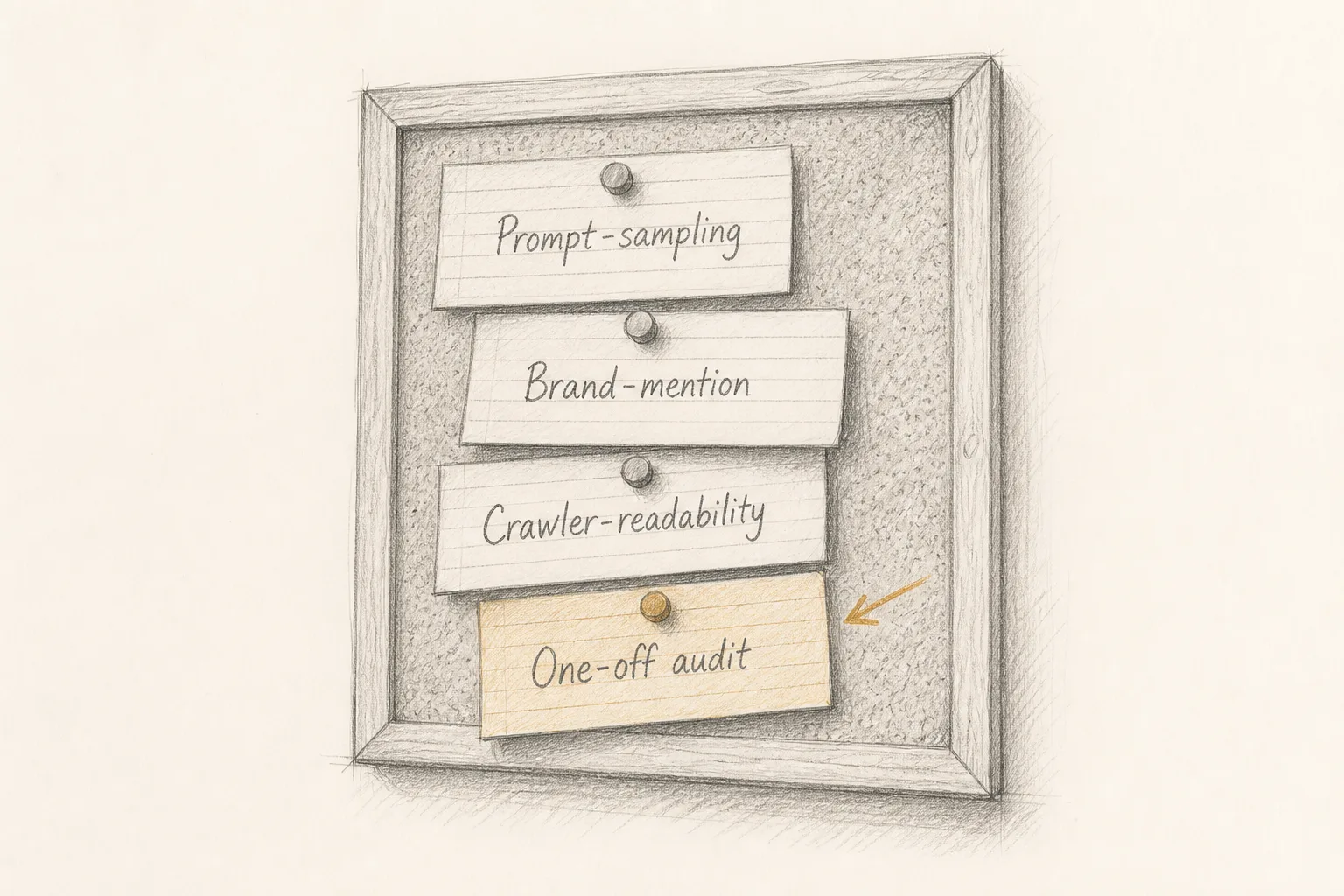
AI visibility tools measure four different things, and most of the confusion around them comes from treating those four as one. Prompt-sampling monitors ask answer engines a fixed set of questions and count how often you are named; brand-mention trackers count where your name appears across the web; crawler-readability checkers test whether AI systems can fetch and parse your pages at all; one-off audits do some of each once, at a single point in time. Their numbers are not comparable with each other, and the right one for you depends less on budget than on which of those questions you cannot yet answer about your own site.
This piece covers:
- Why two tools can print very different "visibility" numbers for the same product, and both be honest
- What earned a place on this list and what was deliberately left off
- The four categories, grouped by the job each does, with a few well-known examples, what each number counts and who it suits
- A comparison table of the four
- A worked example: one maker, one site, no budget, carried from first question to next step
- A template for judging any tool before you pay for it
- How to monitor and increase AI visibility without buying anything
Why do AI visibility numbers from different tools disagree?
A visibility figure is only as meaningful as the method behind it, and the methods differ at every step. Before you compare two dashboards, it helps to know where the differences come from.
The questions are chosen by someone. A prompt-sampling tool asks a list of questions. Who wrote that list, how many questions it holds and how close they sit to what your buyers actually type decide most of the result. A tool that asks "best invoicing app for freelancers" and a tool that asks "how do I send an invoice from my phone" are measuring two different markets, even for the same product.
The engines are chosen by someone. One tool may sample ChatGPT and Perplexity; another may add Claude, Gemini, Copilot, Google AI Overviews and Google AI Mode. A share of answers across two engines and a share across seven are different fractions with different denominators.
Answers vary between runs. Answer engines generate text rather than retrieve a fixed list. The same question asked twice can produce two different sets of named products, and answers can shift with location, account state, conversation history and model updates. A single reading is a sample, not a census. Any tool that reports a precise percentage from a handful of runs is reporting noise with a decimal point.
"Visibility" is defined differently. Some tools count any mention of your name. Some count only a link or a citation to your domain. Some weight the position of the mention inside the answer. Some fold in sentiment. Two tools can both say "visibility" and mean four different things.
Some tools do not ask the engines at all. Crawler-readability checkers and brand-mention trackers never query an answer engine. Their numbers describe inputs (can your pages be read, how often are you discussed) rather than outputs (were you named in an answer). They are useful, but a readability score of any size tells you nothing about whether ChatGPT currently recommends you.
The consequence is practical. You can compare a tool with itself over time, using the same questions and the same engines, and learn something. You cannot compare a number from one tool with a number from another and learn anything at all. The broader idea of what "being seen" by an answer engine means sits in AI Visibility, Defined: What It Means for Answer Engines to See Your Product; this piece stays with the tools.
What earned a place on this list, and what was left off
Most lists in this space rank named vendors against each other. This one does not, for a reason worth stating: vendor prices, free-tier limits and engine coverage change often, and a list that quotes them goes stale while still reading as current. Instead, each entry below is a kind of tool or a method you can run yourself, described by what it counts, where it misleads, and the situation it suits. Each category names a few well-known vendors as orientation only, placed by the job they describe themselves as doing; their prices, limits and coverage are left out because you should read those on their own current pages. When you meet any other vendor, you can place it in one of these categories in a few minutes, and the category tells you what its number can and cannot mean.
An entry earned a place if:
- It answers a question a maker actually has about their own product ("am I named", "am I discussed", "can I be read", "what exactly is broken")
- Its output can be checked by you, either by reproducing it or by reading the evidence it shows
- It is usable by one person with one site, not only by an agency with a client roster
An entry was left off if:
- It promises placement in AI answers. No tool can deliver that, because no tool controls what an answer engine writes
- It reports a single "AI score" without saying what questions, engines or evidence produced it
- It is a general SEO suite with an AI label added and no distinct measurement behind the label
- Its claims could not be verified from its own public pages
One product is described in detail below, in the one-off audit category, because it is the product this site makes and its terms can be stated exactly. It is one option in its category, not a verdict on the category.
Category 1: Prompt-sampling monitors
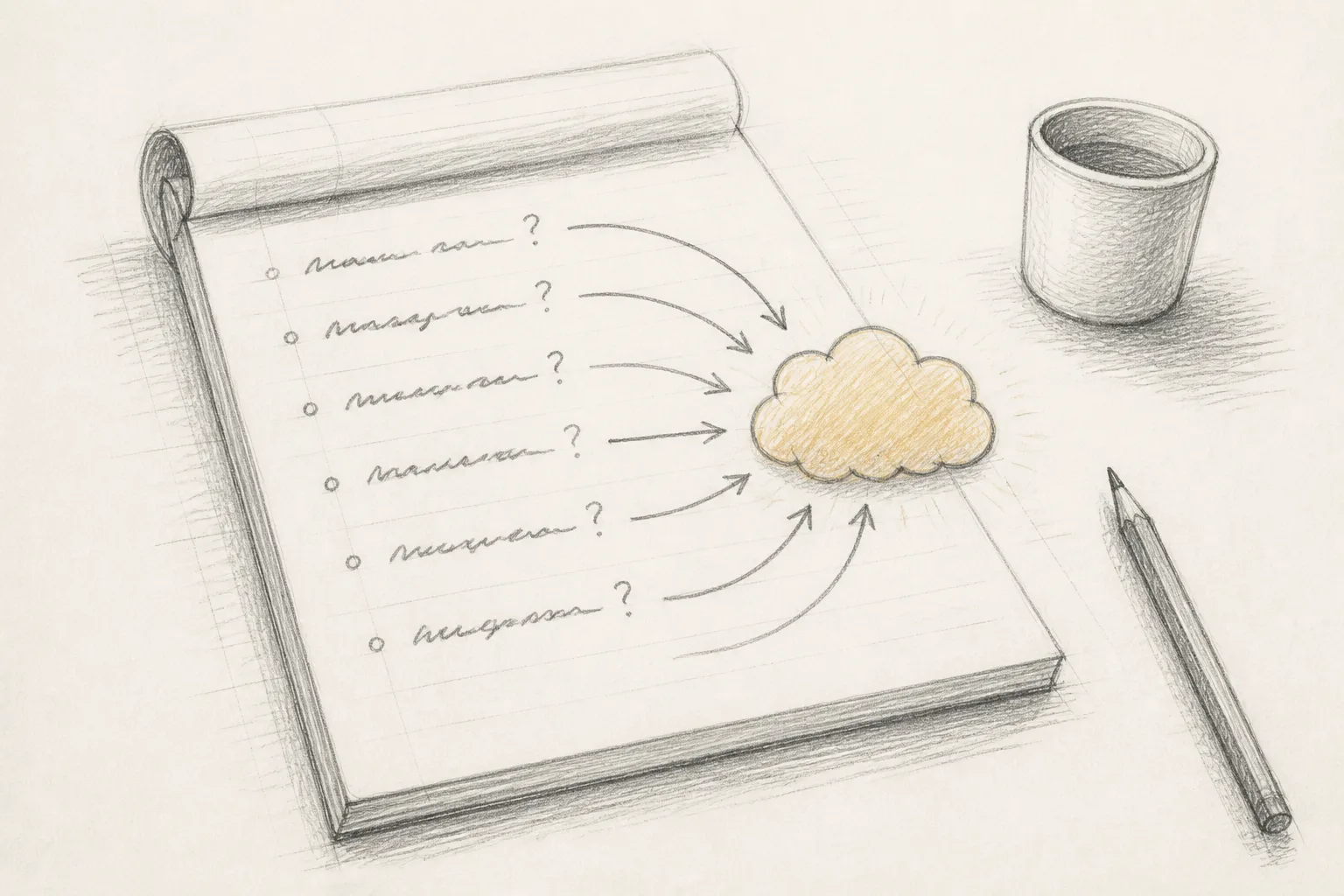
These tools put a set of questions to one or more answer engines on a schedule and record which brands and domains appear in the answers. Their headline number is usually a share: out of all the answers sampled, the fraction that named you.
Well-known examples of the category: Profound, Peec AI and Otterly.AI are dedicated trackers of this kind, and large SEO suites such as Semrush and Ahrefs have added AI answer tracking alongside their search tools. Check each one's own documentation for which engines it samples and whether you can edit the question set.
Hosted prompt-sampling monitor (subscription)
- What it is: a service that runs your question set against several answer engines on a recurring schedule and charts your share of answers over time.
- What its number counts: mentions or citations of your brand across the specific questions and engines it sampled, in the runs it made.
- Where it misleads: the share is only as good as the question set; a list you did not write, or one built around generic category terms, can flatter or bury you.
- Right pick when: you already have some presence in answers, you are changing content deliberately, and you need to see the trend rather than a single reading.
Do-it-yourself prompt log (free)
- What it is: a spreadsheet of the questions your buyers ask, which you put to each answer engine by hand, recording who gets named.
- What its number counts: exactly what you asked, where you asked it, on the day you asked it, and nothing more.
- Where it misleads: your own account history and location can colour the answers; use a logged-out or fresh session where you can, and record which you used.
- Right pick when: you have one product, no budget, and need a baseline before deciding whether anything is worth paying for.
Category 2: Brand-mention trackers
These tools watch the open web (forums, review sites, articles, social posts) for your name and report volume, sources and sometimes sentiment. They do not ask any answer engine anything. They are in this list because answer engines draw on the web, and being discussed in places they read is one input into being named.
Well-known examples of the category: Google Alerts is the free starting point most people already know; Mention and Brand24 are established paid social and web listening services. None of them measures answers; they measure conversation.
Hosted mention tracker (subscription)
- What it is: a service that crawls or subscribes to web sources and alerts you when your brand or chosen keywords appear.
- What its number counts: mentions it found in the sources it covers, which is never the whole web.
- Where it misleads: a rising mention count says nothing direct about answer engines; it measures conversation, not citation.
- Right pick when: you have enough public attention that you cannot read every thread yourself, and you want to know where to show up and respond.
Manual mention search (free)
- What it is: a scheduled search for your product name, in quotes, across a general search engine and the two or three communities your buyers use.
- What its number counts: the mentions you found on the day you looked.
- Where it misleads: coverage is uneven, and a quiet result may mean the search missed a source rather than that nobody talks about you.
- Right pick when: you are pre-launch or newly launched, mentions are rare enough to read one by one, and each one is worth a reply.
Category 3: Crawler-readability checkers
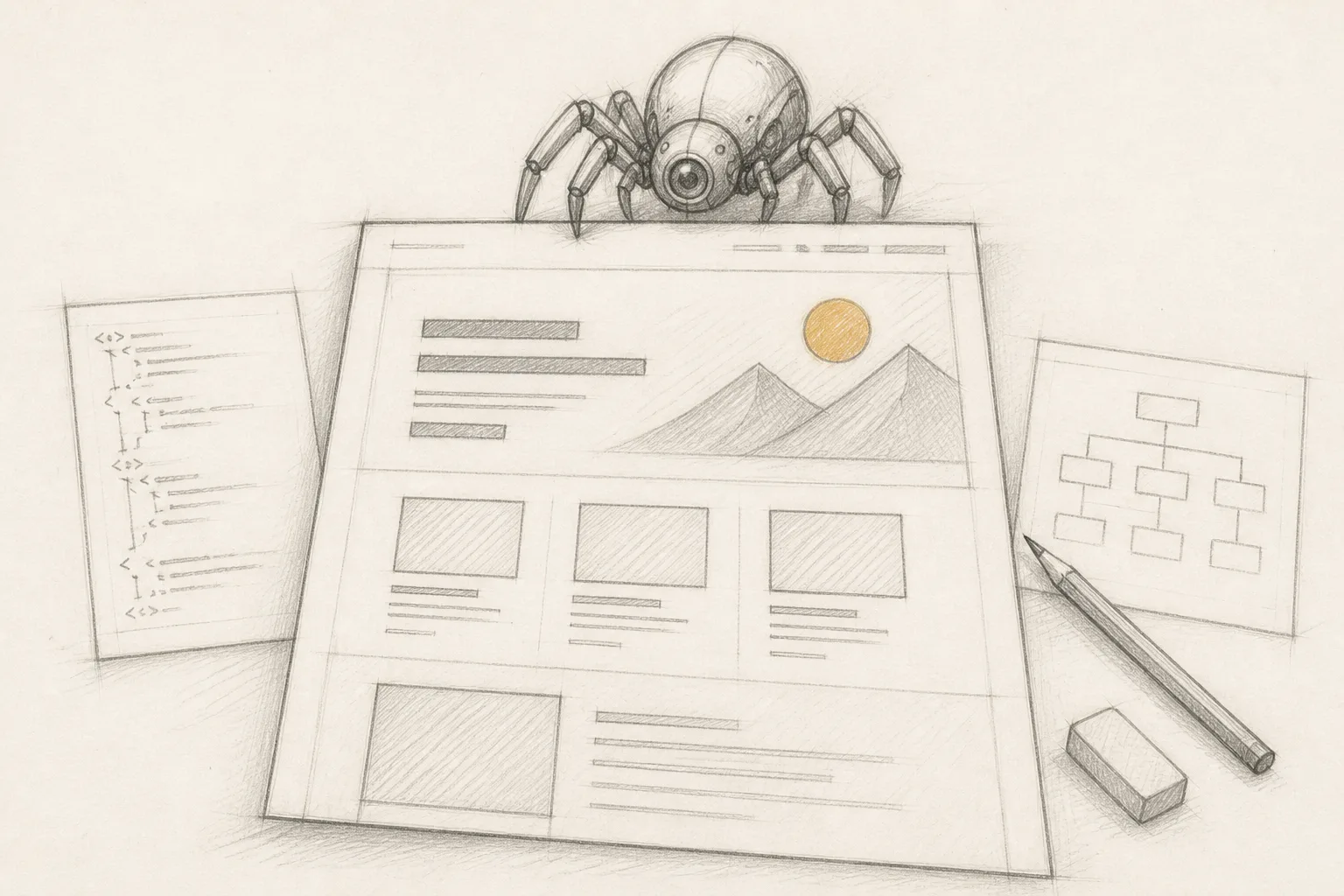
These tools test the inputs an answer engine depends on: whether its crawlers are allowed in by your robots rules, whether your pages return content without heavy client-side rendering, whether headings and structure make passages extractable, whether the page is indexed, fast and working. Their number is a pass rate against a set of checks, not a share of answers. Google has said its AI features need no special files or markup beyond ordinary search eligibility, which is covered in Answer Engine Optimization: What Google Has Actually Said, and What Is Left to Do, so a good checker tests the fundamentals rather than inventing AI-only requirements.
Well-known examples of the category: Google Search Console (its URL inspection shows how Google fetched and indexed a page), Lighthouse and PageSpeed Insights for rendering and speed, and desktop crawlers such as Screaming Frog for structure across a whole site. They were built for search, which is exactly why they cover the fundamentals answer engines share.
Automated site scanner (free or freemium)
- What it is: a tool that fetches your pages and runs a published list of checks on crawlability, structure, indexing, security, speed and whether the page works.
- What its number counts: how many of its own checks your site passes, against its own bar.
- Where it misleads: two scanners with different check lists produce different pass rates for the same site; read the failing checks, not the total.
- Right pick when: you have never confirmed that crawlers can actually read your site, which is the first thing to rule out before worrying about answers.
Server logs and robots rules (free)
- What it is: your hosting or CDN access logs, filtered for the crawler user agents that AI companies publish in their own documentation, read alongside your robots.txt.
- What its number counts: real requests from those crawlers to your pages, and whether your rules allow or block them.
- Where it misleads: a crawler visit proves access, not citation; user-agent strings can also be spoofed, so treat unusual traffic with care.
- Right pick when: you suspect a firewall, bot protection setting or robots rule is blocking AI crawlers and want direct evidence rather than a tool's inference.
The limits of free scanning specifically, and where a free check has to stop, are covered in Free SEO Scanner: What It Can Tell You, and Exactly Where It Stops.
Category 4: One-off audits
A one-off audit combines a readability check with some measurement of answers, once, and hands you a fix list. It does not trend anything unless you run it again. Its value is diagnosis at a moment that matters: before a launch, after a redesign, or when you cannot tell why nobody finds the product.
Well-known examples of the category: beyond software, this is the job an SEO consultant or agency does when it sells a one-time site audit. The two entries below are the self-serve and do-it-yourself versions.
LaunchScaler full audit (one time, per domain)
- What it is: a one-off audit of one site you own, which the LaunchScaler pricing page lists at $19 one time per domain, with no subscription and no expiry; it sits on top of the free readiness scan.
- What its number counts: per the pricing page, the free scan runs 156 checks and the full audit 196, each scored out of 100 with its evidence and exact fix; the same page describes the AI visibility measurement as 10 questions put to each of 7 answer engines, 70 reads, reporting share of the answer, and that measurement comes with the full audit only.
- Where it misleads: 70 reads is one sample on one day; treat the share as a baseline to compare against your own next run, not a permanent fact.
- Right pick when: you want the reasons and the fixes for one site, plus a single answer sample as a baseline, without taking on a subscription.
Do-it-yourself one-off audit (free)
- What it is: one afternoon combining the prompt log from Category 1, the log and robots review from Category 3, and a read-through of your key pages as a stranger would read them.
- What its number counts: whatever you choose to record; the discipline is writing it down so the next audit can be compared.
- Where it misleads: you will miss what you do not know to look for, particularly rendering and structural problems a machine catches faster.
- Right pick when: you have time but no budget, and you want to understand the problem well enough to know whether paid help would add anything.
The four categories side by side
| Category | Asks answer engines? | What the number counts | Changes over time? | Suits |
|---|---|---|---|---|
| Prompt-sampling monitor | Yes, on a schedule | Share of sampled answers naming you, for its questions and engines | Yes, that is its purpose | Products already appearing in answers, tracking the effect of changes |
| Brand-mention tracker | No | Mentions found across the sources it covers | Yes | Products with enough public discussion to need filtering |
| Crawler-readability checker | No | Checks passed against its own bar | Only when you re-run it | Anyone who has not confirmed crawlers can read the site |
| One-off audit | Sometimes, once |
Read the second column first. If a tool does not ask answer engines anything, its number cannot tell you whether you are named in answers, however it is labelled. If it does ask, the fourth column tells you whether you are looking at one reading or a trend.
Which kind of tool do you need?
Work through these in order. Each step rules out a failure that would make the next step meaningless.
- Confirm you can be read. If AI crawlers are blocked by a robots rule or bot protection, or your content only appears after heavy client-side rendering, no amount of monitoring will help. Start with a crawler-readability checker or your own logs.
- Take one baseline of answers. Once the site is readable, find out whether you are named at all for the questions your buyers ask. A manual prompt log or a one-off audit with an answer sample gives you that reading.
- Fix what the diagnosis found. Most early gains come from ordinary things: pages that say plainly what the product is, for whom and at what price; passages that answer one question each; structure a machine can extract.
- Only then consider monitoring. A scheduled monitor earns its cost when you are changing things and need to see whether the changes move the trend. Before that, it charts a flat line at zero.
- Add mention tracking when there is something to track. For a new product, mentions are few enough to find by hand.
By situation, that usually lands like this:
- One site, no budget, recently launched: a free scanner, your server logs and a manual prompt log. Revisit monthly.
- One site, small budget, need the reasons: a one-off audit for the diagnosis and fix list, then a repeat after you ship the fixes.
- One site, changing content every week: a scheduled re-audit or a prompt-sampling monitor, compared only against itself.
- Several client sites: a hosted monitor with per-client question sets, plus a readability checker per site; this is where most vendor lists aim.
A worked example: one maker, one site, no budget
Take a solo founder who has shipped a small time-tracking app for freelance designers. The pages are live and indexed. When she asks an answer engine for a time tracker for freelance designers, it names three other products. She has no budget for a subscription and wants to know why.
Step 1: rule out the basics
She runs a free automated scanner against her home page and pricing page. It flags that her pricing is rendered only after a script loads and that her home page has no plain sentence saying what the app is and who it is for. Separately, she opens her CDN logs and filters for the crawler user agents listed in the AI companies' documentation. She finds that her bot protection has been challenging some of them. These are the two findings that matter most, because they sit upstream of everything else.
Step 2: write the question set
She writes ten questions in her buyers' words, not her own. Not "best time tracking software" but the questions her early users sent her by email: how to track billable hours across several clients, how to show a client where the hours went, a time tracker that works with a design tool she integrates with. She keeps the list in a spreadsheet with one column per engine.
Step 3: take the baseline
She puts each question to each engine in a logged-out session and records three things per answer: whether she is named, whether her domain is linked, and which competitors appear. She notes the date and that it is a single run. The result is sparse. That is the baseline, and its value is not the number but the list of which questions name nobody in particular, because those are open ground.
Step 4: fix and re-run
She relaxes the bot protection rule for published AI crawlers, moves the pricing into server-rendered HTML, and adds a plain opening paragraph to the home page. She writes one page that answers the "show a client where the hours went" question directly. Four weeks later she repeats the same ten questions on the same engines in the same kind of session and compares row by row.
Step 5: decide whether to pay
If the manual log is manageable, she keeps it. If she wants the checks opened to their evidence and a broader answer sample than she can run by hand, a one-off audit is the paid step; the entry above states exactly what it includes. Only if she starts publishing weekly does a recurring monitor make sense, because only then is there a trend to watch.
Notice what the example does not include: any promise that the fixes put her in the answers. They remove reasons she could not be named. Whether an engine names her afterwards depends on what it reads about her across the web, which is why the mention tracker category exists.
How to judge any AI visibility tool before you pay
Use this checklist on any vendor's own pages. If a question cannot be answered from what the vendor publishes, treat that as an answer.
Template: vendor check
- Category: which of the four jobs does it do: prompt sampling, mention tracking, readability checking, or a one-off audit
- Engines: which answer engines does it query, by name, and does that list match where your buyers ask
- Questions: who writes the question set, can you edit it, and can you see the raw answers behind each result
- Sample size: how many runs per question per engine, and does it say so
- Definition: does "visibility" mean a mention, a link, a citation, a position, or a blend, and is the formula stated
- Evidence: can you open any result and see the answer text, the failing check or the source it came from
- Scope: is it priced per site, per question, per seat or per client, and does that fit one site
- Promises: does it claim to get you into answers; a tool that measures cannot also guarantee
Template: your own tracking sheet
- Column A: the question, in your buyer's words
- Columns B onward: one per engine, recording named / linked / not named
- A column for competitors named in each answer
- A column for date, session type (logged in or out) and location
- A notes column for anything that changed on your site since the last run
How do I monitor my visibility in AI?
Monitoring means repeating the same measurement on a schedule and comparing it with itself. The cheapest version is the tracking sheet above, re-run monthly with identical questions, engines and session conditions. A hosted prompt-sampling monitor automates the same thing at a higher frequency. A scheduled re-audit repeats a fixed set of checks and answer questions and reports what moved between runs. Whichever you choose, keep three rules: never change the question set between runs without starting a new baseline, record the conditions of each run, and pair answer tracking with a readability check, because sites drift. A redesign drops a tag, a deploy breaks a form, a new page ships without structured data, and a visibility dip is often a site regression before it is anything else.
How do you increase AI visibility?
No tool increases it directly; tools only tell you where you stand. The work that moves it sits on your own site and around it:
- Be readable. Allow the published AI crawlers, serve core content in HTML, keep pages fast and working. This is ordinary search eligibility, and it is the precondition for everything else.
- Be extractable. Give each page one clear job. State what the product is, who it is for and what it costs in plain sentences near the top. Answer one question per section, headed by the question.
- Be specific. Answer engines tend to reuse passages that settle a question without needing the rest of the page. Concrete detail (a real price, a named limit, a step-by-step procedure) is easier to reuse than claims.
- Be discussed. Show up where your buyers already ask: communities, comparison pages, reviews. Answer engines read the web, not only your site.
- Measure, change one thing, measure again. Without a baseline you cannot tell a fix from luck.
SEO earns a ranked link someone clicks; AEO (answer engine optimization) earns a mention inside the answer itself. The groundwork overlaps heavily, which is why a single readability pass can cover both, but only an answer sample tells you about the second.
What to do next
Open a spreadsheet today and write the ten questions your buyers actually ask, in their words, taken from support emails, sales calls or community threads rather than from your own positioning. Then check whether AI crawlers can reach your site at all, using your logs or a free scanner. Those two steps cost nothing, and they tell you which of the four categories you need, if any, before you look at a single vendor.
Short answers to related questions
What's the best AI optimization tool for visibility?
There is no single best tool, because the category covers four different jobs. The right tool is the one that answers the question you cannot yet answer: whether crawlers can read you (a readability checker), whether you are named (a prompt sample), whether you are discussed (a mention tracker), or what exactly to fix (an audit). Judge any candidate by the vendor checklist above, not by its headline score.
What are the 5 most popular AI tools?
The general-purpose AI assistants most people have heard of and use are ChatGPT, Google Gemini, Claude, Microsoft Copilot and Perplexity. For visibility work, those are also the engines worth tracking first, together with Google AI Overviews and Google AI Mode, which appear inside ordinary Google results. If you are unsure which of them your buyers use, ask a few of your customers directly and weight your tracking sheet accordingly.