What Is an SEO Audit? What It Checks, and What a Readiness Scan Adds
An SEO audit inspects your live site for what stops search and answer engines finding, trusting and citing it. See the seven areas, evidence and steps.
An SEO audit is an inspection of a live website that finds what stops search engines from finding, reading, trusting and ranking its pages, and it now also has to cover whether answer engines such as ChatGPT and Perplexity can cite them. The University of Iowa ICS guide calls it "a comprehensive analysis of your website's performance in search engines" that "examines technical, on-page, and off-page factors that influence visibility and rankings." A useful audit reads the site the way a phone visitor and a crawler meet it, which matters when, as the American Marketing Association reports from Statista, "mobile devices account for 63% of organic search engine visits." Every finding has to carry its evidence. A verdict with no proof behind it is an opinion.
This page covers:
what an SEO audit actually checks, across seven areas
what evidence each finding should carry
whether you can do your own audit, and how, step by step
why reading the live site beats a submitted form or a self-report
whether ChatGPT can do an SEO audit
what audits cost, how often to run one, and what to fix first
What does an SEO audit actually check?
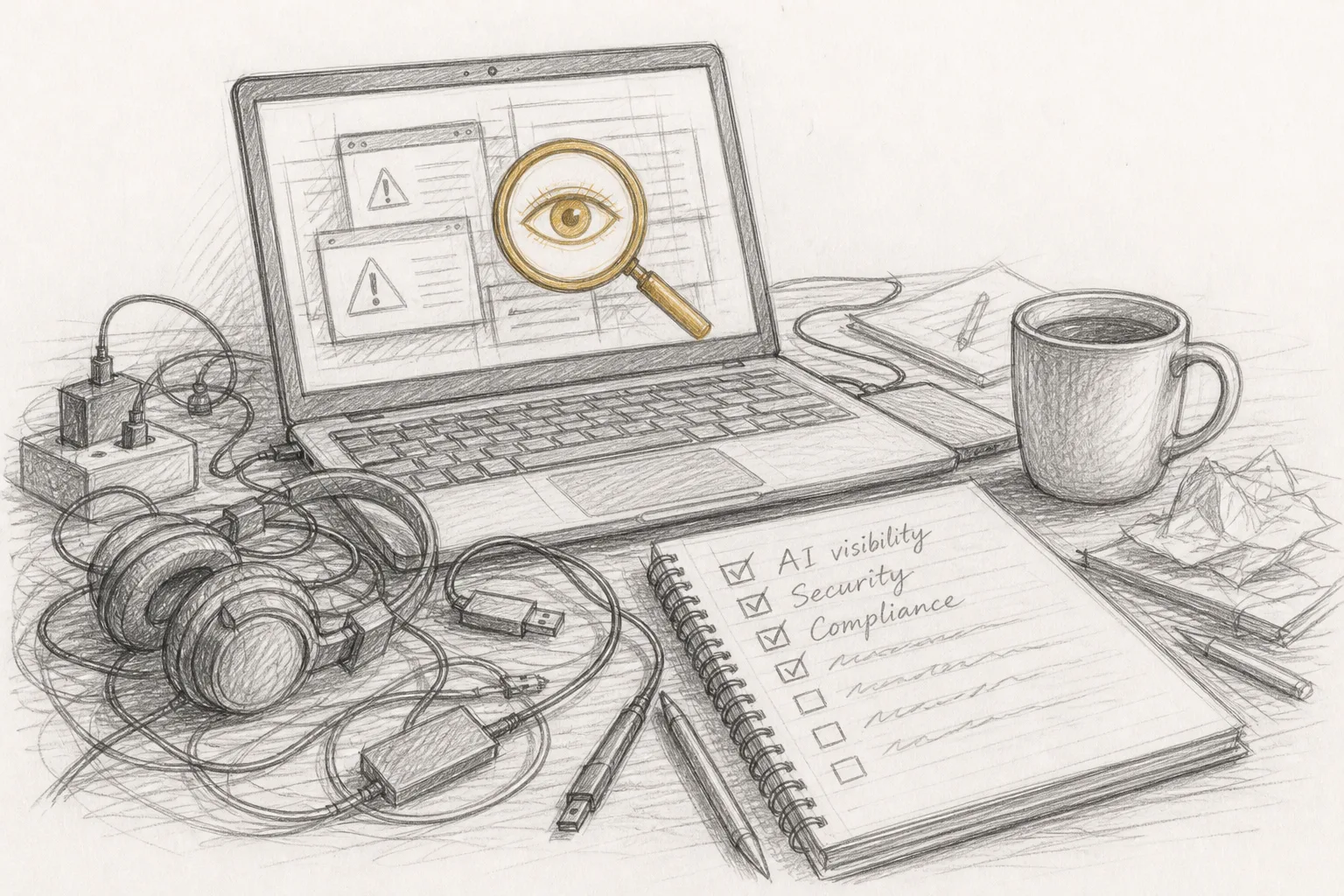
An SEO audit checks whether your site can be found, read, trusted and used, and a complete one groups those checks into seven areas: search, AI visibility, backlinks, security, compliance, speed and visual, and does it work. Many guides stop at the familiar split of technical, on-page and off-page. That split was fine when the only reader was Googlebot. It leaves out the things that quietly sink a page: a broken signup form, a missing privacy policy, a security header a browser complains about, a page an AI agent cannot get through.
Newsletter
What launched, every Monday
Every Monday: what launched on LaunchScaler that week, what is launching next, and the reviews we published. Confirm your email once and you're in.
The table below sets out each area: the question it answers, a few things it looks at, and the evidence a verdict in that area should come with.
Area
The question it answers
Typical things it looks at
Evidence a verdict should carry
Search
Can search engines find, read and rank the page?
robots.txt, meta robots, canonical tags, titles, headings, sitemap, internal links, structured data
The exact tag or line found, the URL it was found on, the HTTP status returned
AI visibility
Do answer engines cite you when they should?
Whether crawlers can read the HTML without JavaScript, passages that can be quoted alone, questions put to answer engines
The questions asked, the engines asked, the answers returned, and whether you were named
Backlinks
Who links to you, and do those links carry weight?
Linking domains, followed versus nofollow links, broken inbound links
The linking pages themselves, with the attributes on each link
Security
What does an attacker, or a cautious browser, see first?
TLS certificate, HTTPS redirects, Content-Security-Policy and other headers, exposed files
The response headers as served, the certificate details
Compliance
Do you show the consent, policies and disclosures you owe?
Cookie consent behaviour, privacy and terms pages, labelling of paid placements
The page or banner found (or the absence of one), and what loads before consent
Speed and visual
How fast does it load, and how does it render at every size?
Load timing, layout shift, image weight, mobile rendering
Measured timings, screenshots at each viewport
Does it work
Do the links, forms and flows a visitor relies on actually work?
Broken links, forms that fail silently, dead buttons, redirect chains
The failing URL or element, the response it gave, the step where the flow broke
Backlinks are easy to postpone because they change slowly. They matter anyway, and the scarcity is real: the American Marketing Association guide cites Backlinko's finding that "only 5% of web pages currently have them," so a page that earns a few honest links stands apart. AI visibility is easy to postpone because it is new. It is also where a founder's real complaint ("nobody mentions my product") usually starts.
There is also a lens that sits across the seven areas rather than inside one: whether an AI agent can actually drive your site, reach the content and finish a flow the way a browsing model would on someone's behalf. LaunchScaler calls this Agentic Browsing and treats it as a factor rather than a check. That framing is honest. Agent behaviour varies too much to reduce to a clean pass or fail, but you can still watch whether an agent gets stuck behind a modal, a cookie wall or a script-only menu.
What evidence should an SEO audit finding carry?
Every finding should carry four things: a verdict, the evidence behind it, the fix, and a priority. The evidence is the part that makes it an audit. "Your canonical tags are wrong" is a claim. "The canonical on the pricing page points to staging.example.com/pricing" is evidence, and you can check it yourself by viewing the page source.
Here is what each part of a finding does:
Verdict. Pass, fail or warning, ideally scored so you can see how far off you are rather than just that you are off.
Evidence. The URL, the exact tag, header or response, and what was expected instead. Without this you cannot verify the finding, and you cannot tell a real problem from a tool's false positive.
Fix. The specific change: which file, which tag, which setting. "Improve your meta descriptions" is not a fix.
Priority. How much the problem costs and how hard it is to fix. A noindex on your homepage outranks a long title on a blog post.
The trouble with many audit reports is that the verdict is loud and the evidence is absent. A dashboard says "Health: needs work" and lists a long run of "issues," many of them warnings about image alt text on pages nobody visits. You cannot act on that. You cannot argue with it either, which is the deeper problem; a finding you cannot check is a finding you have to take on faith.
The narrower question of how evidence, fix and priority fit together on a full report has its own guide in this cluster. The short version is that if a finding does not tell you where to look, it has not done its job.
Can I do my own SEO audit?
Yes. Every check in an SEO audit is something you can read yourself, because it all comes down to what your server returns and what your pages contain. What a tool adds is speed, consistency and coverage: it runs the same checks the same way on every page, and it does not get tired halfway through.
Doing it by hand has a real advantage: you learn how your site actually behaves. It also has real limits. You will not query several answer engines systematically, you will not see your full backlink profile without a link index, and you will miss things you do not know to look for. For a one-product site, the sensible pattern is to run an automated pass first, then use the procedure below to verify and fix what it found.
How do you do an SEO audit yourself, step by step?
Work from the outside in: first whether a crawler can reach the page, then whether it can understand it, then whether people and agents can use it. The steps below follow that order and carry one example through. The example is a fictional scheduling tool for clinics whose founder noticed that a month after launch, neither Google nor ChatGPT seemed to know it existed.
Fetch the page the way a crawler does. Request your homepage, pricing page and one deep page without JavaScript (with curl -I for headers, then view-source in a browser). Confirm each returns a 200 status, not a redirect chain or a soft 404. Example: the pricing page returned 200, but its HTML contained only an empty root element; the prices were drawn by JavaScript after load.
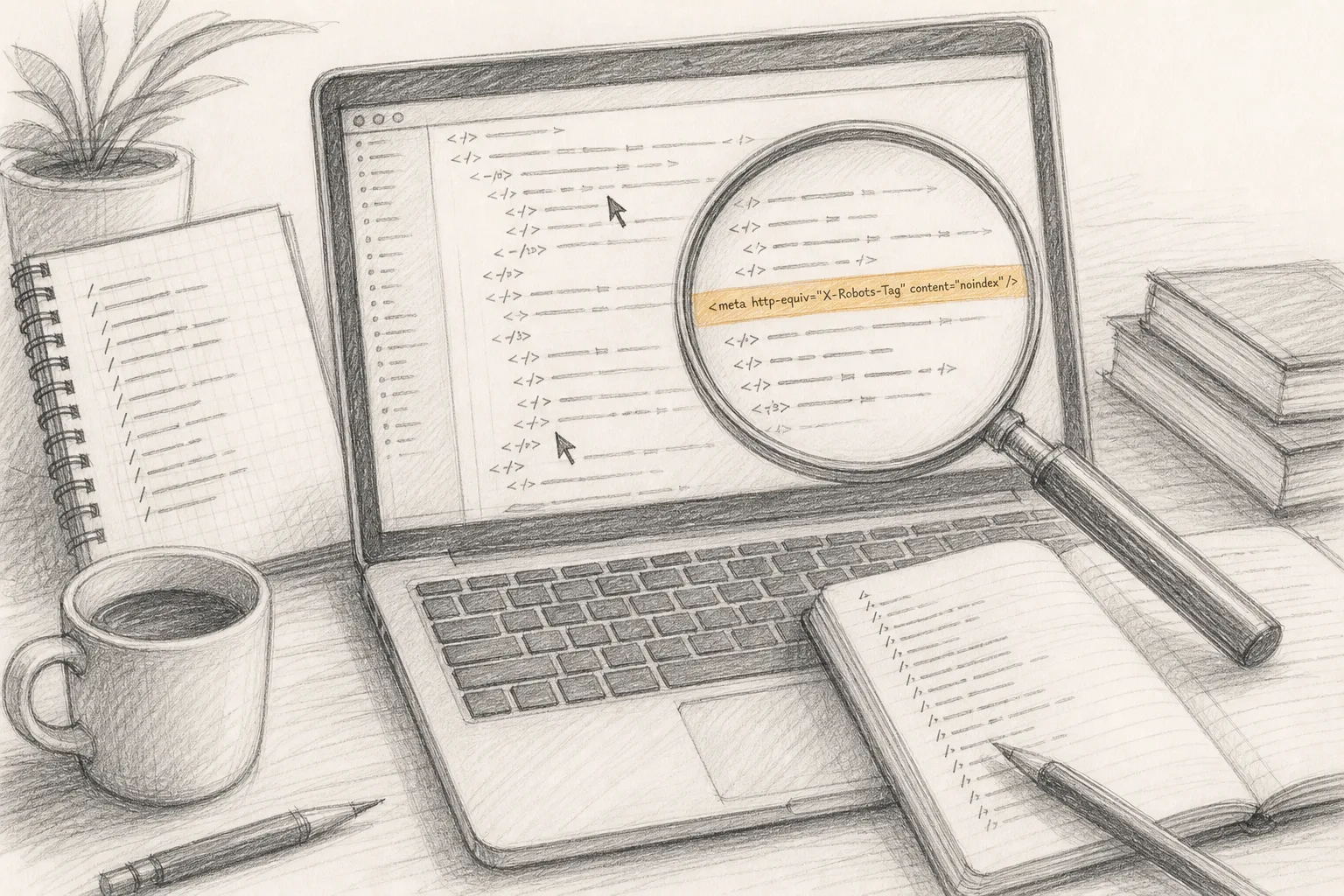
Read robots.txt and every meta robots tag. Open the robots.txt file at the root of your domain and search page sources for noindex. Staging settings that ship to production are a common reason a site never appears. Example: the blog template carried a robots meta tag set to noindex, copied from the staging build.
Check canonicals and the sitemap. Each page's canonical should point to itself on the production domain, and the sitemap should list the pages you want indexed and nothing else. Example: the sitemap listed several URLs on the staging subdomain alongside the real ones.
Read titles, headings and the opening passage. Does each page have a unique title, one clear H1 and an opening that says plainly what the product does? Answer engines quote passages, so a page that opens with a slogan gives them nothing to lift. Example: the homepage H1 read "Time, reimagined." Nothing on the page said "scheduling tool for clinics" until the third screen.
Validate structured data. Paste key pages into a schema validator and fix errors before adding anything new. Only mark up what is visible on the page.
Check security headers and TLS. Look at the response headers for HTTPS enforcement, a valid certificate and a Content-Security-Policy that does not block your own scripts. Example: no HSTS header, and the plain HTTP version of the site served a copy of the page instead of redirecting to HTTPS.
Check compliance pages and consent. Confirm a privacy policy and terms page exist and are linked, and that analytics scripts do not fire before consent where consent is required.
Test speed and rendering on a phone. Load the key pages on a real mobile connection and at narrow widths. Given the AMA's mobile figure above, the phone view is the main view, not an edge case.
Walk every flow that earns you money. Sign up, reset a password, submit the contact form, click every pricing button. Example: the "Start free" button on mobile opened a form whose submit returned a 500 error with no message on screen.
Ask the answer engines. Put a handful of questions your buyer would ask to more than one AI assistant and note whether your product is named, and what is said instead. This is the slowest manual step and the least repeatable, because answers change between runs.
Look at who links to you. Search for mentions of your product name and list the pages that link to you. Note which links are followed.
Write each finding down with its evidence, fix and priority. Then fix in priority order and re-check each fix on the live site, not in your local build.
The fictional founder ends up with a short list. Remove the noindex, clean the sitemap, render pricing in the HTML, rewrite the H1 to say what the product is, redirect HTTP to HTTPS and repair the mobile form. Step 10 adds a note that no assistant named the product, and step 11 shows almost nothing links to it yet. None of this requires buying anything. All of it was invisible from inside the admin panel.
A finding template you can copy
Area: search, AI visibility, backlinks, security, compliance, speed and visual, or does it work
URL: the exact page
What was found: the tag, header, response or screenshot, quoted exactly
What was expected: the correct value
Fix: the file or setting to change, and the change
Priority: high, medium or low, with one line on why
Verified on live site: date re-checked, and the result
Why should an audit read the live site instead of a form or self-report?
Because the problems that hurt you are the ones you do not know about, and a form can only record what you already know. A questionnaire asks "Do you have a sitemap?" and you answer yes. The live site answers the real question: the sitemap exists, and some of its URLs point at staging.
Self-reports fail in predictable ways:
They describe intent, not output. Your CMS setting says "index this page." The rendered HTML says noindex, because a plugin overrides it. Only the served page tells the truth.
They are frozen at the moment of writing. A deploy the following week can drop a tag or break a form, and the form answer stays the same.
They cannot see what a crawler sees. You look at your site in a logged-in browser with JavaScript, cookies and a fast connection. A crawler arrives with none of those.
They invite optimism. Nobody fills in "my signup form fails silently on mobile," because nobody knows it does.
The test applies to any tool or consultant you consider. Ask whether it fetched your pages, or only read what you typed in. Where the answer is the second, the report describes your beliefs about the site rather than the site.
Can ChatGPT do an SEO audit?
Partly. A general-purpose AI assistant can explain what a finding means, review HTML you paste into it, draft a title tag or suggest a fix for a header, and it does those things well. On its own, though, it is not an audit, for three reasons.
First, it may not fetch your live pages at all, and when it does, it usually sees one rendered view rather than the raw responses, headers and status codes a crawler gets. Second, its output is not repeatable: ask the same question twice and the list of "issues" changes, so you cannot compare one month with the next. Third, it often states findings without evidence, which is the failure this whole page is about. An assistant that says "your site may have duplicate content" without naming the URLs involved has given you a guess.
The better pattern is to pair them. Use a tool that fetches the live site and records evidence, then bring individual findings to an assistant when you need one explained or a fix drafted. And if you want to know whether ChatGPT mentions your product, that is a separate measurement. The guide to what AI visibility means for answer engines covers what can and cannot be measured there.
Does an SEO audit cover AI visibility and AEO?
A traditional one does not, and that gap is the main reason a modern audit needs seven areas rather than three. Ranking in search and being cited in an answer share a foundation (crawlable HTML, fast clean pages, signals worth trusting), but citation adds requirements of its own: passages an engine can quote whole, structure a machine can parse, and pages a browsing agent can move through without getting stuck.
An audit that covers AEO (answer engine optimization) checks the shared foundation and those additions in the same pass, and then measures the outcome by putting real questions to real answer engines. The groundwork overlaps more than the marketing suggests; the comparison of AEO vs SEO and the differences that are real separates the two. If you are choosing a tool for the measurement side specifically, the breakdown of the four things AI visibility tools measure shows which kind of number each one counts.
No audit, of either kind, can promise that an engine will cite you. It can tell you whether anything on your site stops one from doing so, and whether one currently does.
What is the difference between an SEO audit and a website audit?
An SEO audit asks whether search engines can rank the site; a website audit asks whether the site works for everyone who uses it. In practice the line has blurred, because the things a website audit covers (security, compliance, speed, broken flows) also shape how search engines and answer engines treat you. A page that throws a certificate warning or a 500 error on its signup form loses the visitor, whatever its title tag says.
For a single product site, running them separately rarely makes sense. One pass across all seven areas gives you a single prioritised list instead of two reports with overlapping findings and different priorities.
How much do SEO audits cost?
It ranges from nothing to a quoted project, and the price mostly reflects how much human judgment is included. There are three broad options:
Option
What you get
What it costs you
Do it yourself
Full understanding of your own site; slow, and limited on backlinks and answer-engine testing
Your time
Automated scanner
Fast, repeatable checks across many pages, with evidence if the tool records it
Free tiers exist; paid tiers vary by tool
Agency or consultant
Human judgment, prioritisation and often the fixes themselves
Usually quoted per project
The useful question is not the price but what the deliverable contains. A cheap audit that gives evidence and fixes is worth more than an expensive one that hands you a score and a sales call. Before paying anyone, ask for a sample finding and check whether it names the URL, the exact problem and the change to make. The guide to what a free SEO scanner can tell you and where it stops goes through the free end of this table in detail.
How often should you run an SEO audit?
Run a full audit when you launch, after every redesign or major deploy, and on a regular schedule in between, because sites drift even when nobody intends them to. A redesign drops a meta tag. A deploy breaks a form. A new page ships without structured data. None of these announce themselves; you usually find out when traffic or signups fall, weeks later.
The checks worth re-running after each deploy are the ones a code change can break silently: robots directives, canonicals, status codes, forms and security headers. A separate guide in this cluster covers catching those regressions. The principle is simple: an audit is a snapshot of one day, so its value fades from the moment it is taken.
What should you fix first after an SEO audit?
Fix anything that stops the page being reached or indexed first, then anything that breaks a flow that earns money, then anything that weakens how the page is understood or trusted. In order:
Blocking problems.noindex on pages you want found, robots.txt disallows, canonicals pointing elsewhere, 4xx and 5xx errors on key pages.
Broken revenue flows. Signup, checkout, contact and trial forms that fail.
Rendering problems. Content that only exists after JavaScript runs, pages that break on mobile.
Understanding and trust. Vague headings, openings that do not say what the product is, invalid structured data, thin pages.
Speed and polish. Heavy images, layout shift, long titles.
Low-priority warnings can wait. A report with hundreds of items tempts you to start with the easy ones; the easy ones are rarely the ones costing you anything.
How does a readiness scan differ from a standard SEO audit?
A readiness scan is an automated inspection of your live site against a fixed, published bar, covering both whether search engines can rank you and whether answer engines can cite you. It differs from a typical SEO audit in three ways you can verify: it reads the served site rather than a form, its free version covers six of the seven categories rather than only technical, on-page and off-page, and it attaches evidence to each verdict.
Carry the fictional clinic scheduling tool through one. The founder pastes the URL into LaunchScaler's readiness scan without creating an account. The free scan runs 156 checks across six of the seven categories, and each check comes back scored out of 100 with the evidence behind its verdict. The noindex on the blog template shows up under search, alongside the page it was found on. The missing HSTS header shows up under security. The failing mobile form shows up under does it work. The founder can verify each item against the live page and work through it with the finding template above.
Some of the manual list stays outside the free scan. It does not put questions to answer engines, so step 10 of the procedure remains the founder's own job, and it makes no claim to replace a full backlink review. Two other boundaries are worth knowing. The scan measures; it does not fix, and it promises no ranking or citation. And the verdict is not for sale: LaunchScaler states that every site is measured against the same bar whether or not it pays for anything, so a score reflects the site, not the account.
Is SEO difficult to learn?
The core of SEO is not difficult for anyone who can edit a meta tag, read an HTTP header or change a template. Most of what an audit finds is mechanical: a tag that should not be there, a redirect that is missing, a form that breaks. Once you have fixed each kind of problem once, you will recognise it the next time.
The harder parts are judgment calls: which questions are worth writing about, which findings actually cost you visitors, and how to earn links without paying for them. Those take longer, and they are where the evidence in an audit helps most, because it turns "SEO" from a vague discipline into a list of specific, checkable facts about your own site.
What should you do next?
Pick the one page that matters most to your business, usually the homepage or pricing page, and run steps 1, 2 and 9 of the procedure above on it today: fetch it without JavaScript, search its source for noindex, and walk its main flow on your phone. Those three checks cover whether the page can be reached, whether it can be indexed, and whether the flow that earns you money works. Then write each finding down with the template, fix in priority order, and re-check on the live site.
If you would rather see the wider picture in one pass, with every verdict tied to its evidence across search, security, compliance, speed and the rest, paste your URL into LaunchScaler's readiness scan. Run the free scan
Catch SEO regressions after a deploy: baseline production, then re-check robots.txt, noindex, canonicals, redirects, raw HTML and certificates on every release.
A full website audit checks seven areas, not just SEO: search, AI visibility, backlinks, security, compliance, speed and visual, and whether your site works.
The free SEO tools that read your live site: Search Console, Bing Webmaster Tools, PageSpeed Insights, Rich Results Test, a crawler and a readiness scan, in order.