Priorio
NewAI task manager that reads priority and timing from plain language and orders your day
About Priorio
Priorio is an AI to-do list for people whose task list is full but their day still isn't planned. Capture tasks in plain language, typed or spoken, and it extracts the title, timing and priority, then orders your day by urgency in one tap. It breaks goals into milestones, shares lists with family or teammates through Spaces, and turns notes into tasks. It runs on web, iOS and Android.
Priorio starts from a simple observation on its homepage: your to-do list is not a plan. Most task apps give you a pile of items and leave the ordering to you. Priorio does the opposite. You dump tasks in as fast as they come to mind, typed or spoken the way you'd say them, and it reads out the structure: priority, time, estimate, category, tags. One tap then orders the whole day by urgency and fills your open time, with every AI suggestion shown for review before anything changes. Around that core sit Goals that break into milestones and keep a next action ready, Spaces for sharing lists with family or teammates, and Notes whose action items become tasks. The founders, Dian and Anton, built it for people who start the day with too many tasks and no clear order, and while it's in open beta everything is free with no task limits.
From the listing. The maker can edit it.
Pros & cons
What Priorio does well, and the factual details worth weighing before you try it. About the product, from its own pages.
Highlights
- Plain-language capture: type "Email Dana 3pm urgent" and the title, time and priority are filled in with no menus or fields
- One tap on "Organize my day" ranks everything by urgency, slots loose tasks into open time, and a single Undo reverts the run
- Goals are broken into editable milestones and tasks, each goal keeps a suggested next action ready to add to Today
- Spaces let you share a list with family or a team, with owner, editor and viewer roles, and tasks stay private until you move them in
- Free forever for personal use, and every feature is unlocked during the beta with no task limits and no credit card
- Available on the web, App Store and Google Play, with everything syncing across platforms
Good to know
- Currently in open beta; the core app stays free for personal use, but some advanced features may later move to an optional paid plan
- Voice capture and the daily morning briefing are available only after account setup and email verification
- Google Calendar planning requires connecting your calendar account
Screenshots
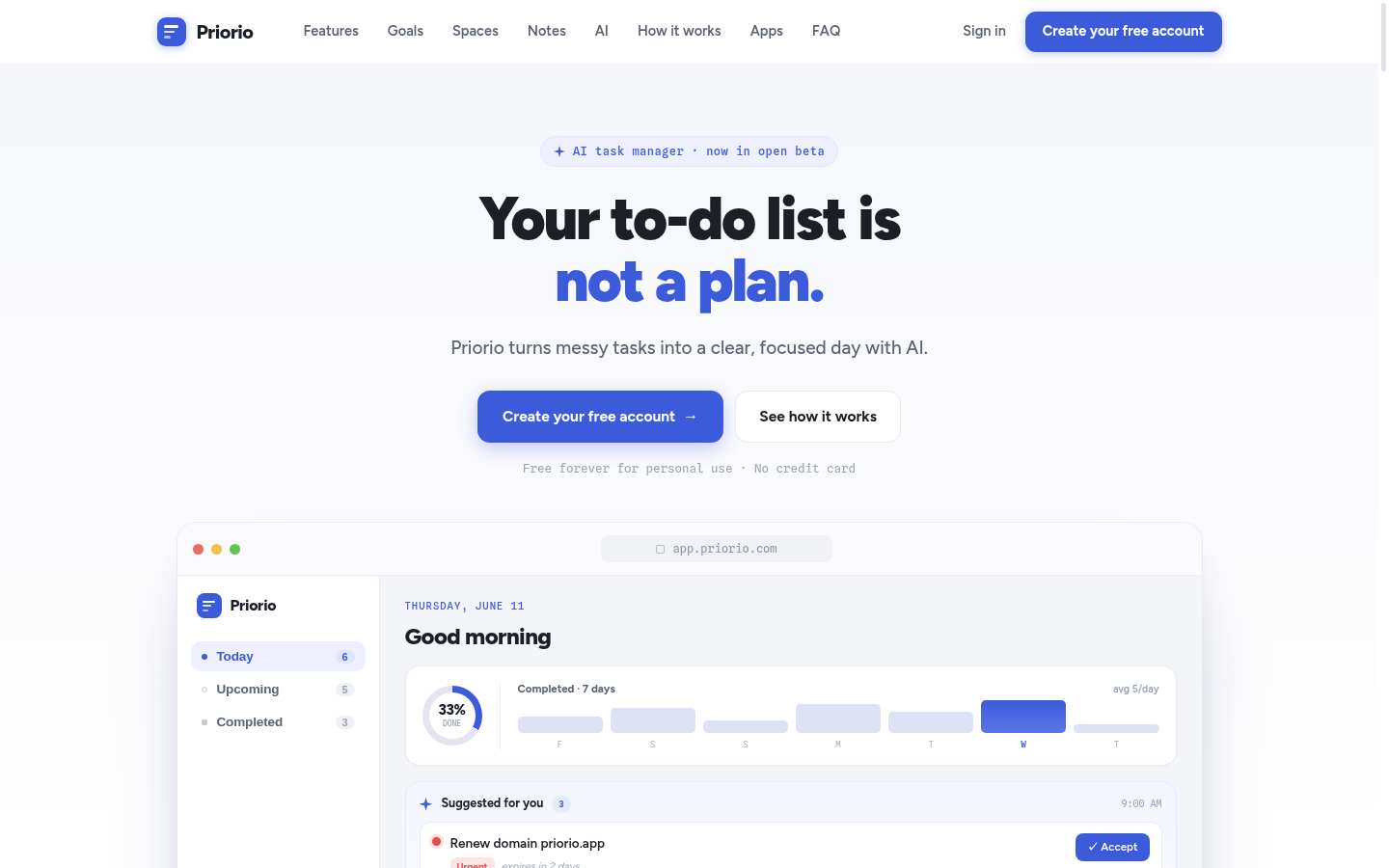
The constellation
Verified readiness · scored on 7 independent checks against the published bar.
Related products
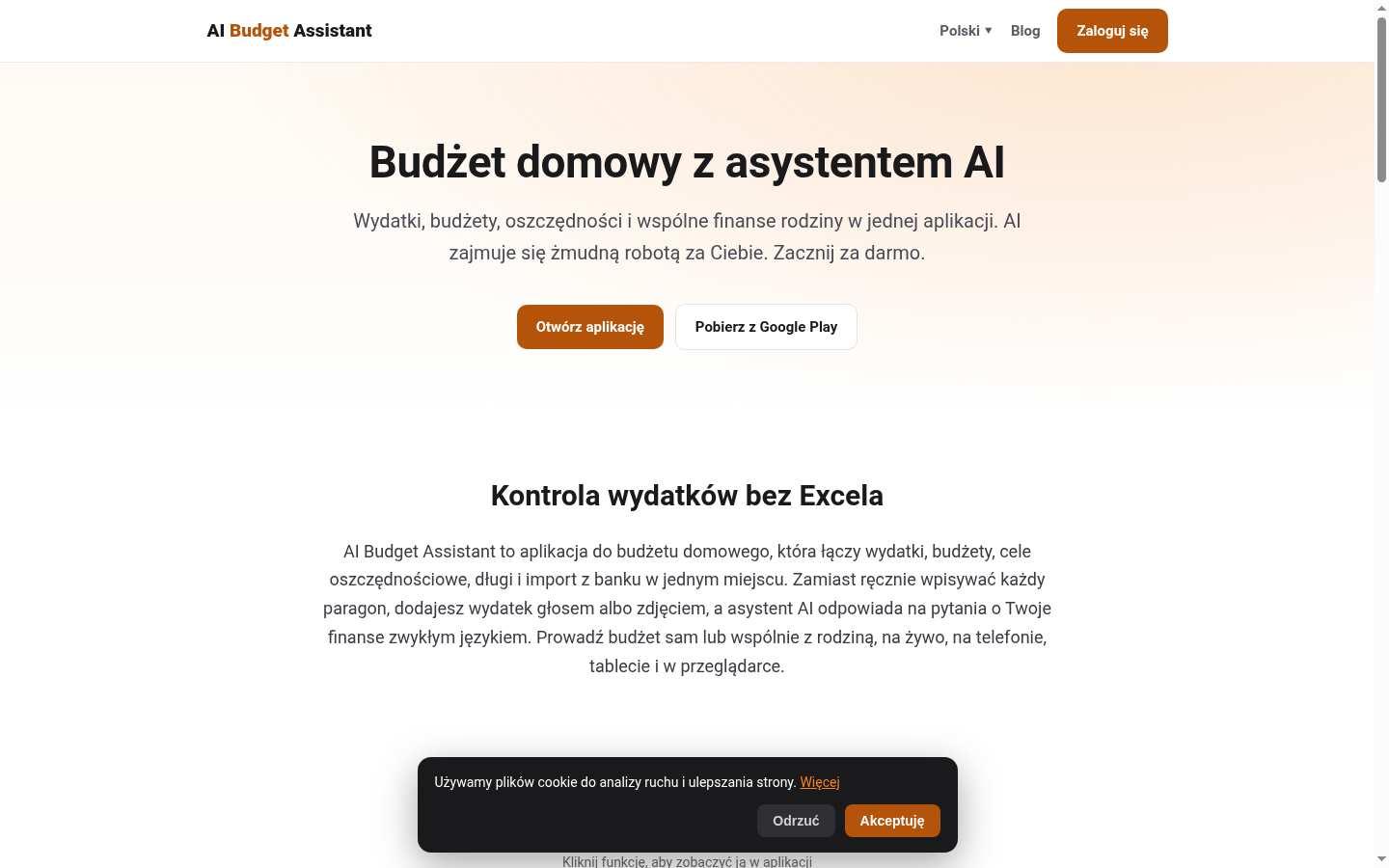
Home budgeting app with AI expense tracking


AI operating system for marketing teams
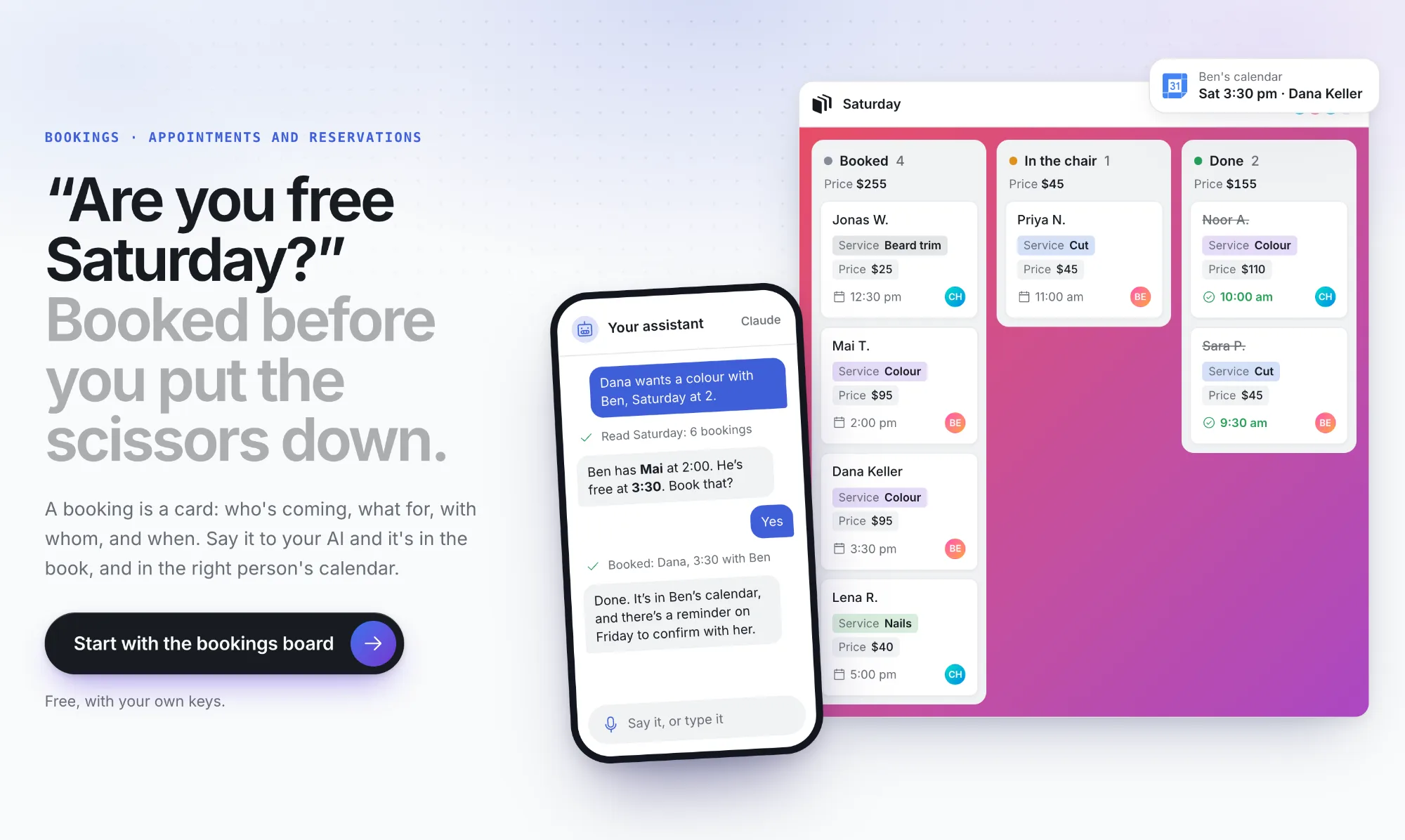

AI-powered task board where agents and humans collaborate
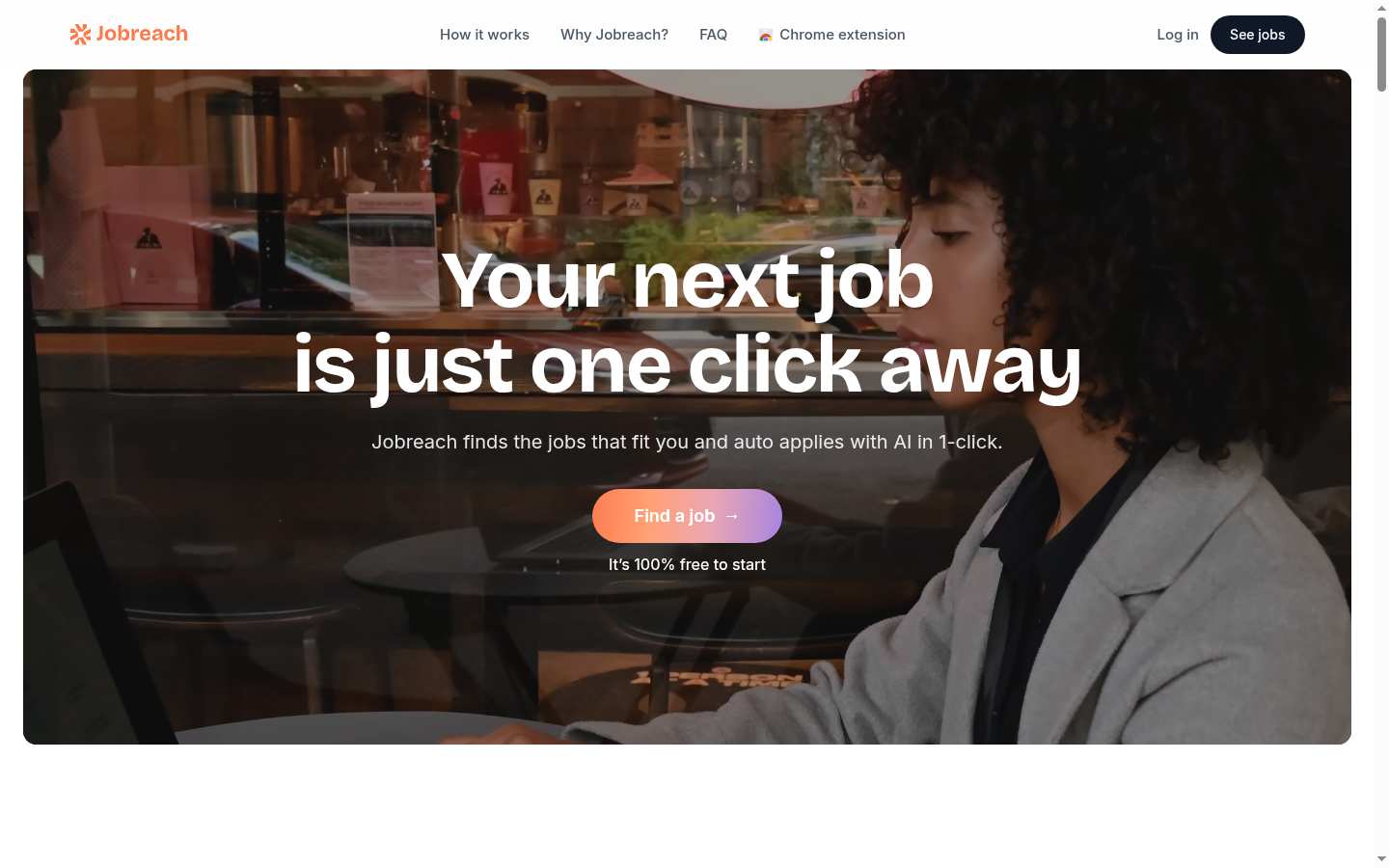

AI job search tool that finds matching jobs and auto-applies

Spreadsheet with live dashboards, reports, and automations

AI cat that closes your open loops
What launched, every Monday
Every Monday: what launched on LaunchScaler that week, what is launching next, and the reviews we published. Confirm your email once and you're in.